9:415G
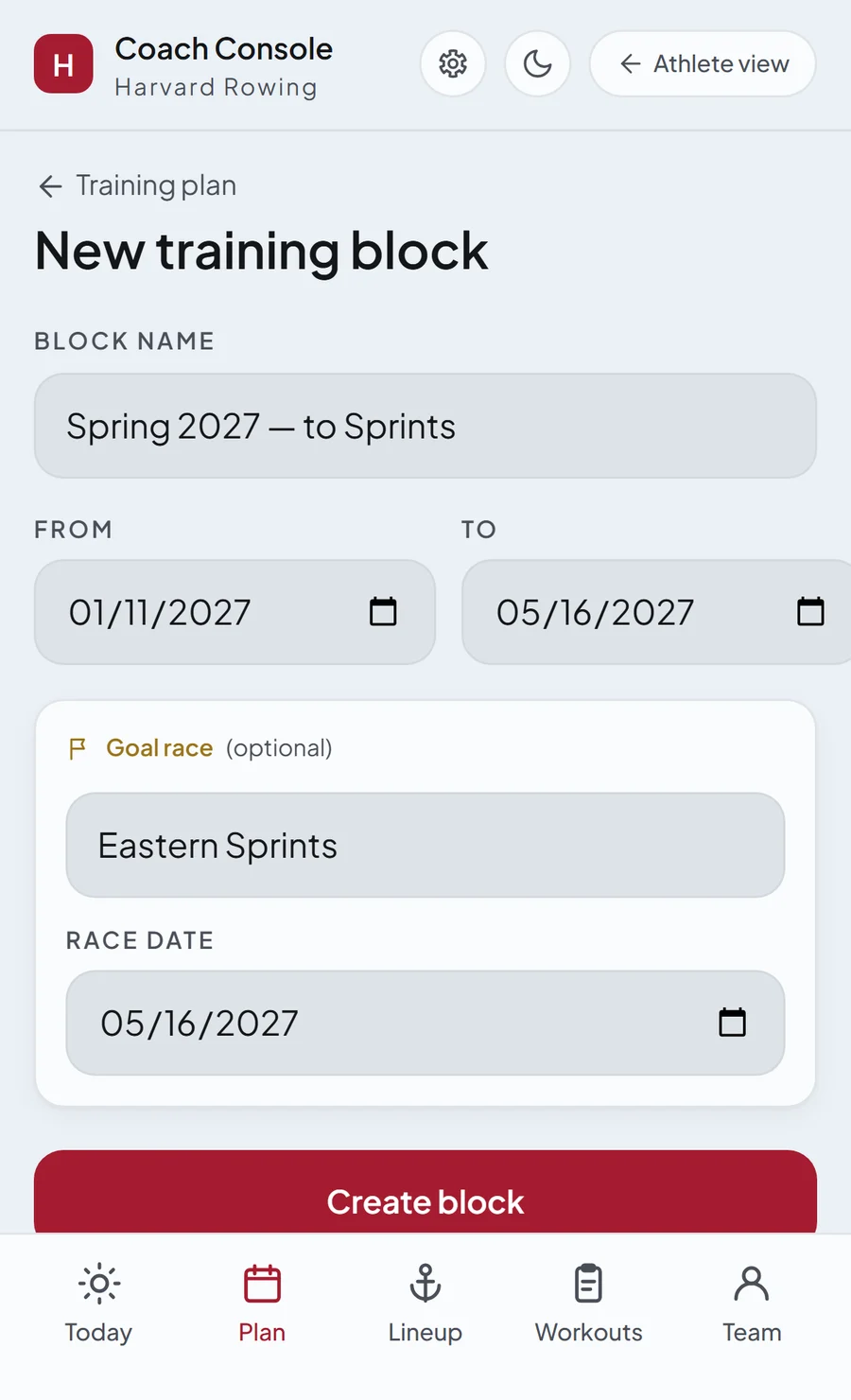
1Set up your training blocks.
Name the block, set the dates and add the race or event it is leading to. The app works out the weeks and starts the countdown your athletes will see.
UNIsport Varsity Mode is designed to make running a season as efficient and friendly as possible for a college rowing program. The plan, the lineups, the videos and the numbers all live in one console, and the app is customizable to fit your program perfectly. Everything your athletes open on their phones is built here, on real screens from the console as it works today.
Bring it to your team →See how it worksName the block, set the dates and add the race or event it is leading to. The app works out the weeks and starts the countdown your athletes will see.
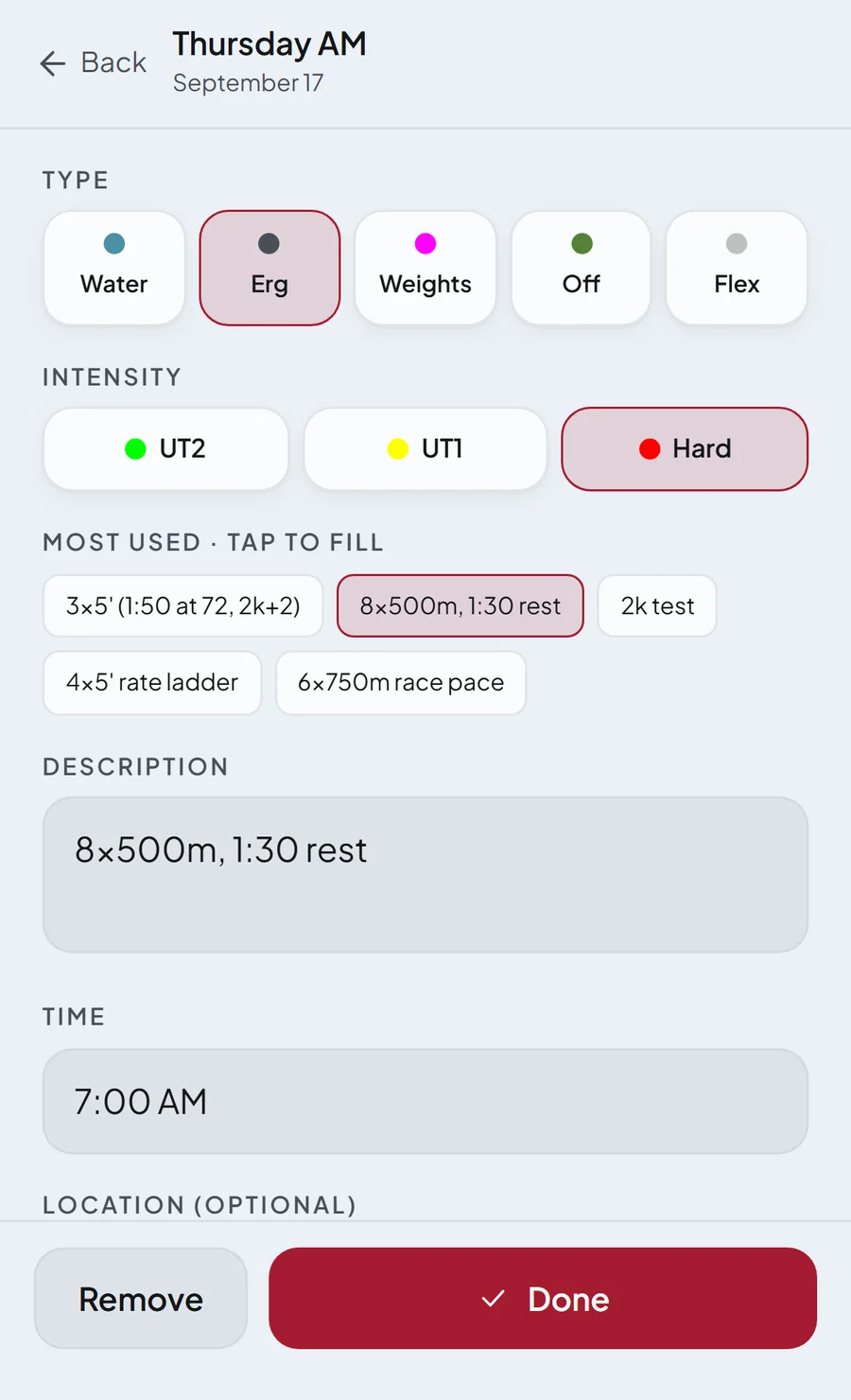
Tap a day's AM or PM session to fill it in. Pick the workout type, choose the intensity, and choose from your most used workouts or write your own. For repeating workouts like lifts or off days choose repeat every week, and the plan is set for weeks ahead.
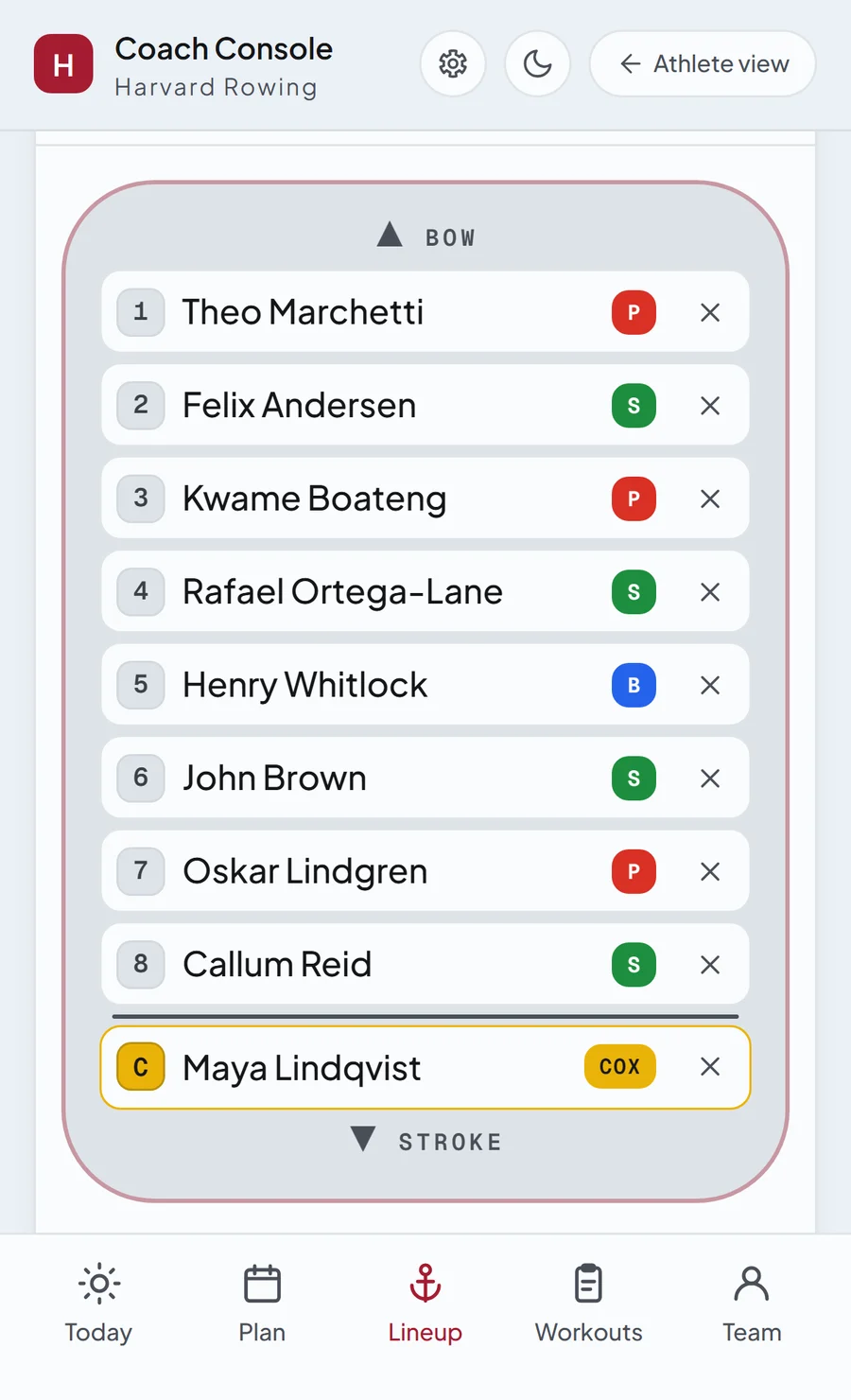
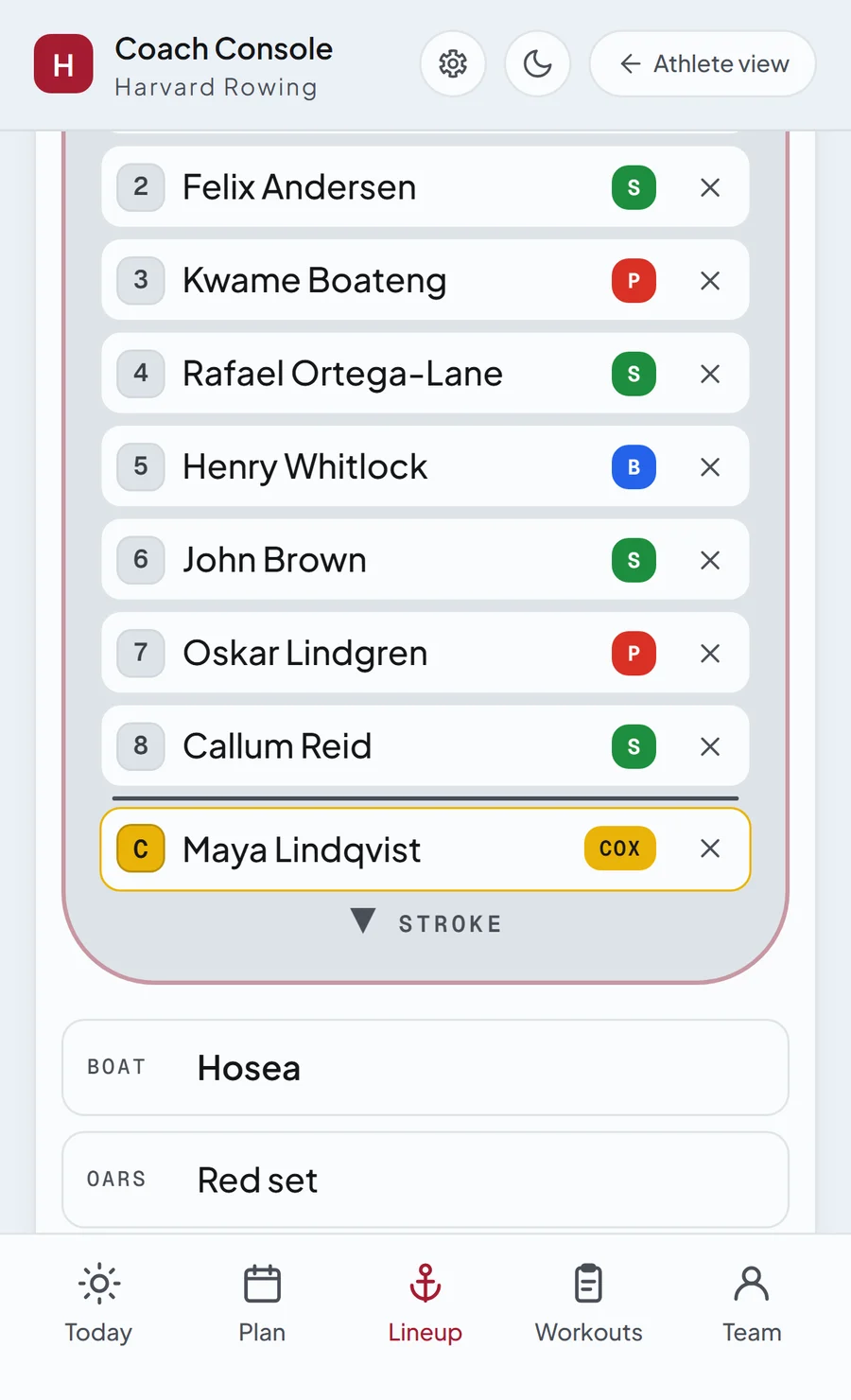
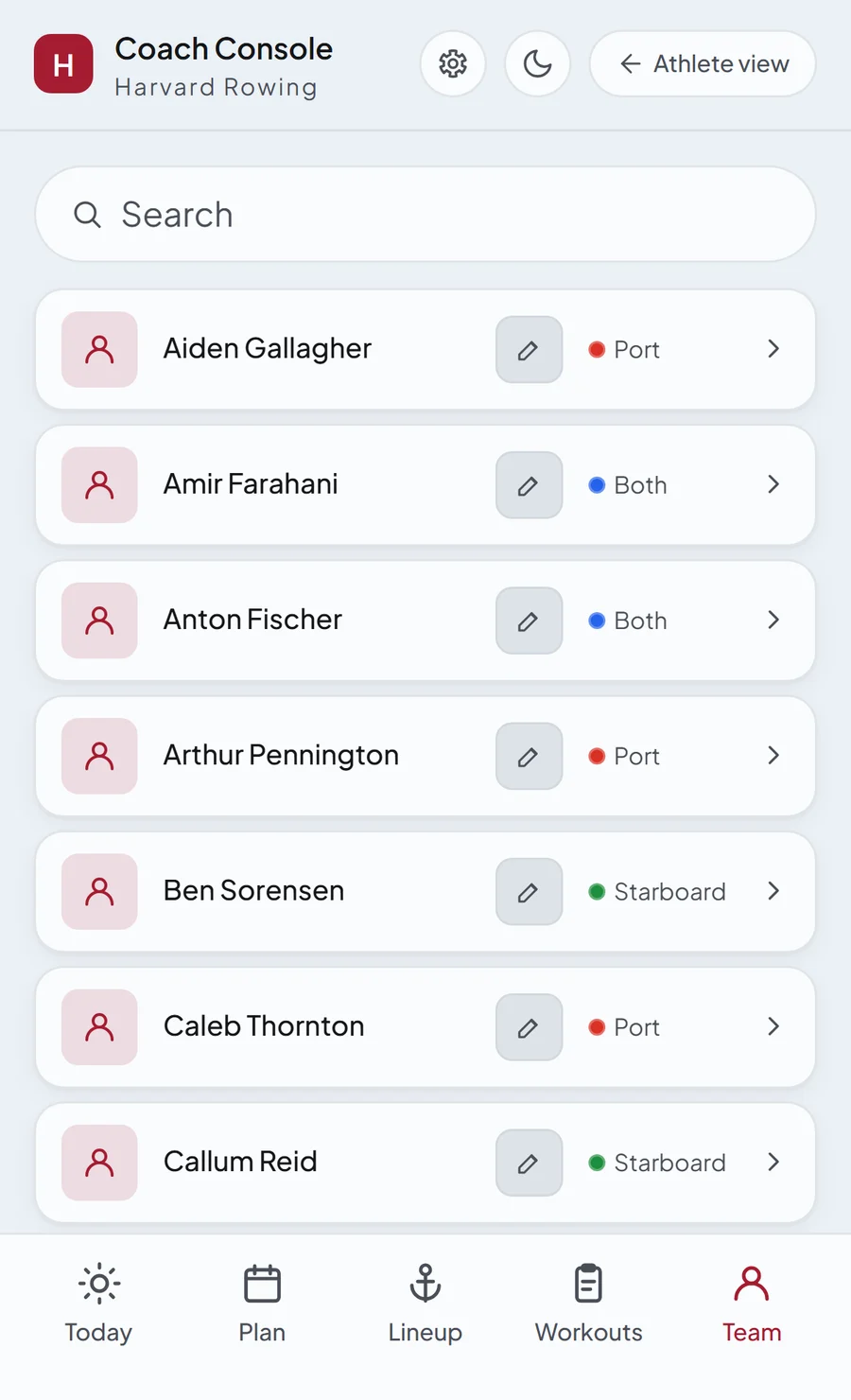
Tap a session from the plan to create the lineup for that day. Choose your people from the pool, where everyone carries their side, port, starboard or both, and anyone injured or sick is marked unavailable. Publish it and the lineup is on every athlete's phone.
Connect to your drive where you store your rowing footage. Then tap a boat to upload a video from the session. It automatically renames itself according to the lineup and saves into the right date, so your athletes know right away which piece they are watching.
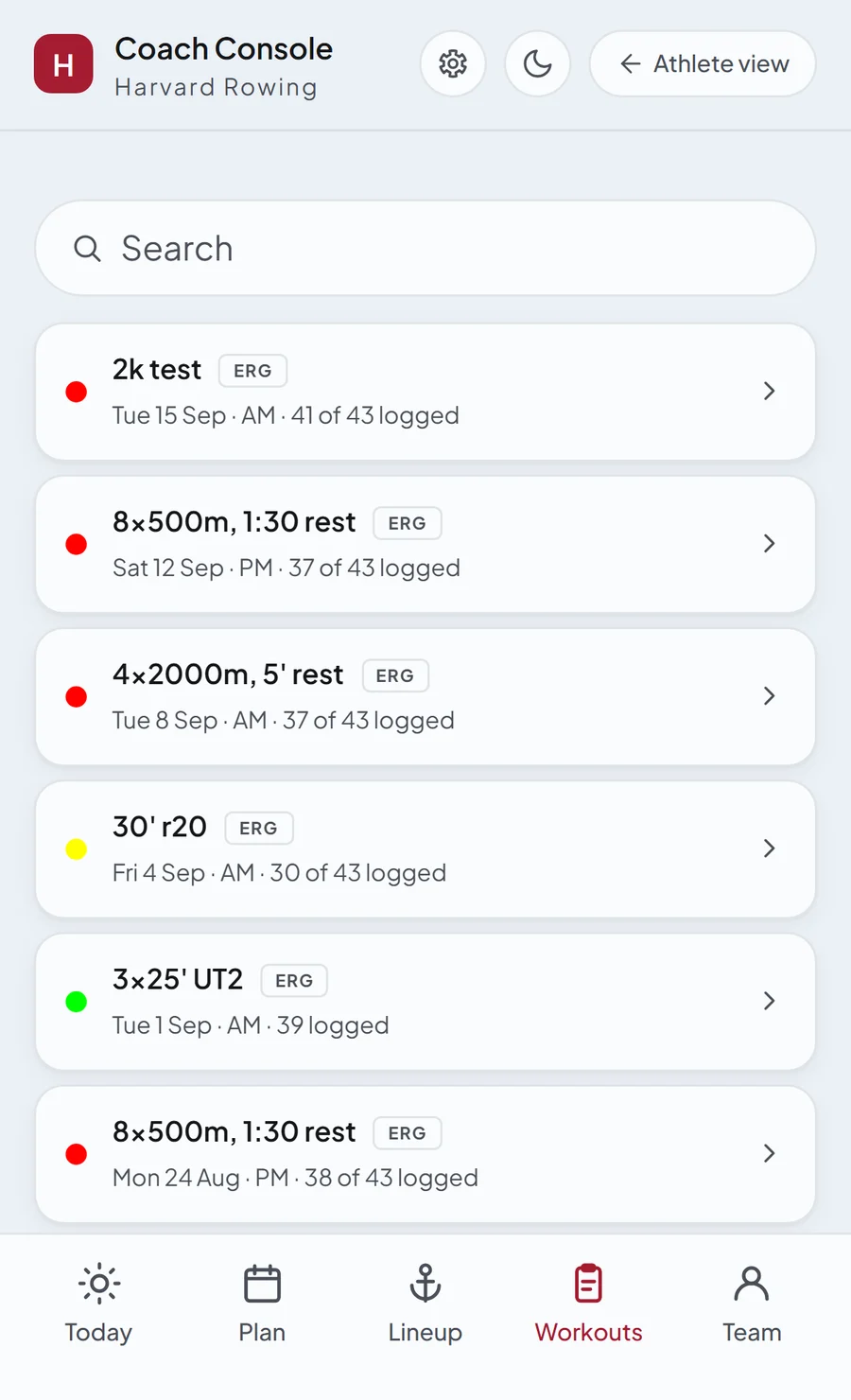
Flag a session as a ranked/team workout, and after each athlete logs it, it shows itself as a list with rankings and filters, ranked by split, time, watts or watts per kilo. Also look at the team average and compare to previous workouts.
Write a note to an athlete on where their technical focus should be. It sits on their Home under the race countdown, so they always have it in front of their eyes and stay focused at all times. Everyone else sees a green “Good job”.
One console for the whole season.
You build the block, publish the week, set the lineups, upload the videos, read the statistics and leave your notes. Everything you publish lands on your athletes' phones, and the numbers stay with the program.
Bring it to your team →Harvard first. New campuses come on one at a time, each with its own colours, gyms and houses, so the app you sign up to is already yours.
Students at a live university sign up with their university email. Varsity athletes join through the link their captain or coach sends; coaches get the console with their team.
Yes, for students. Varsity Mode opens from your team's invite; for the Coach's Console, write to me.
The Coach's Console: build a training block around a race, publish the week's sessions once to every athlete, publish lineups seat by seat, and leave one technical note per athlete.
No. UNIsport is an independent app, officially unaffiliated with Harvard University.
This is one part of the page. See the whole page →