Never train alone again.
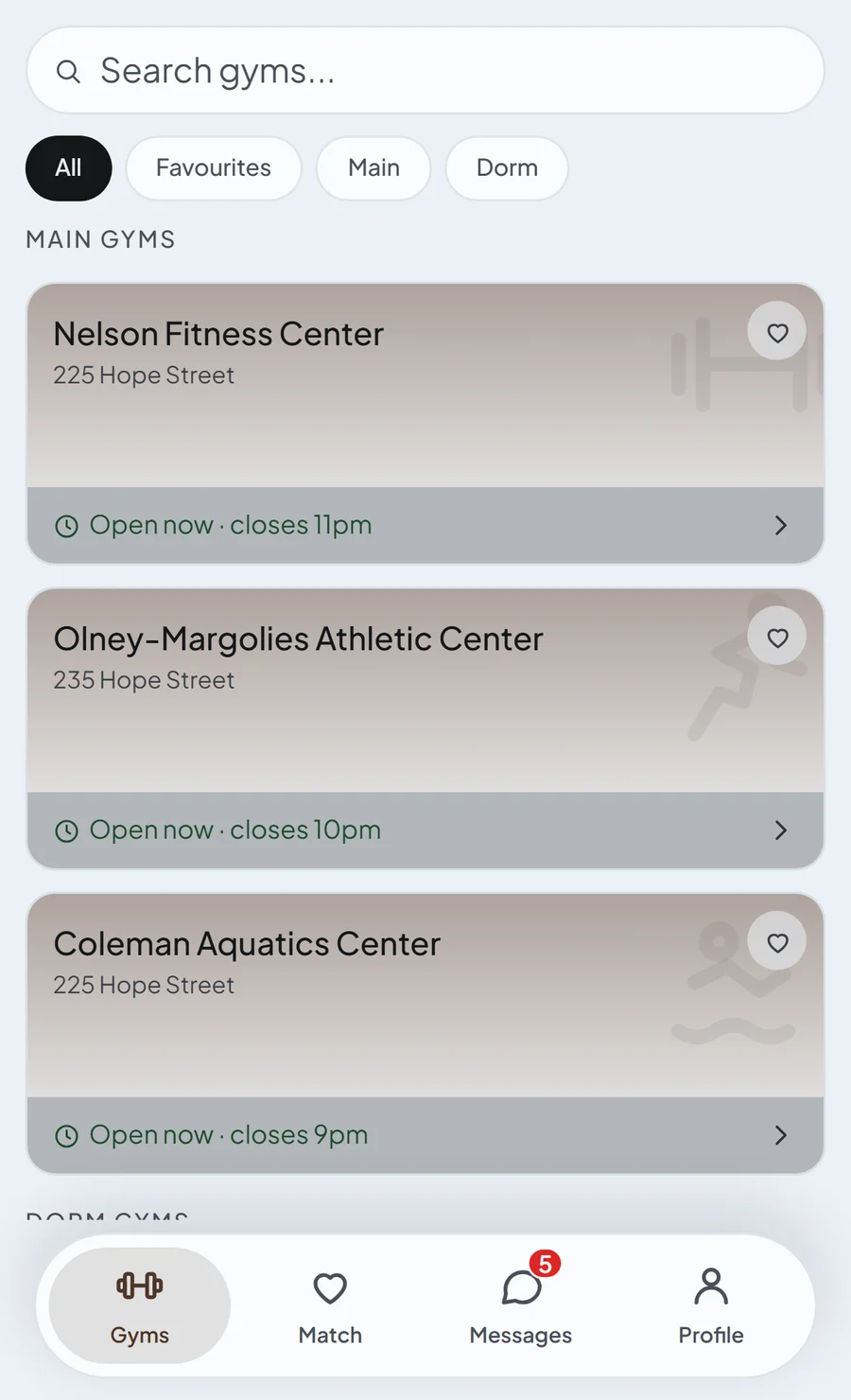
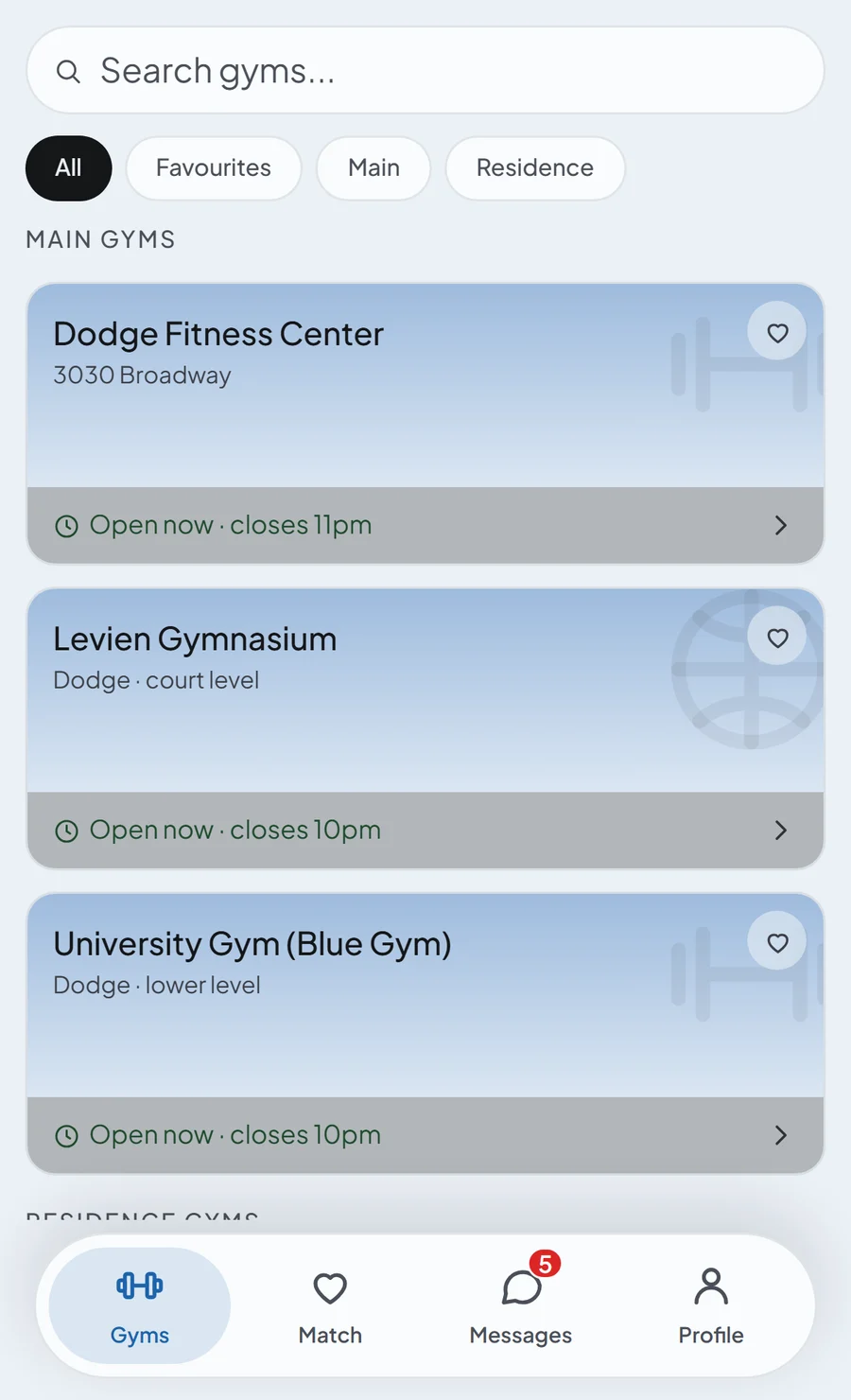
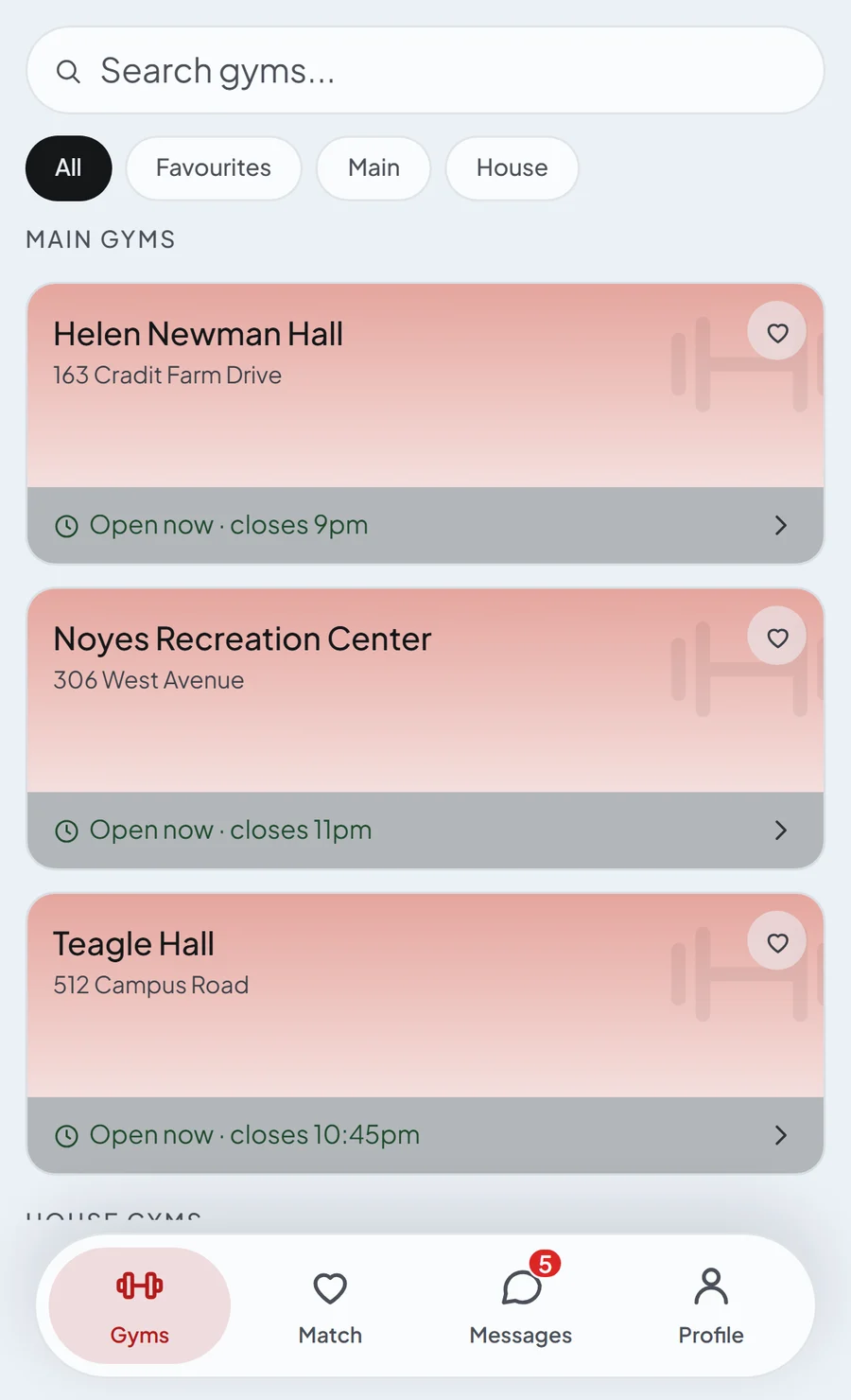
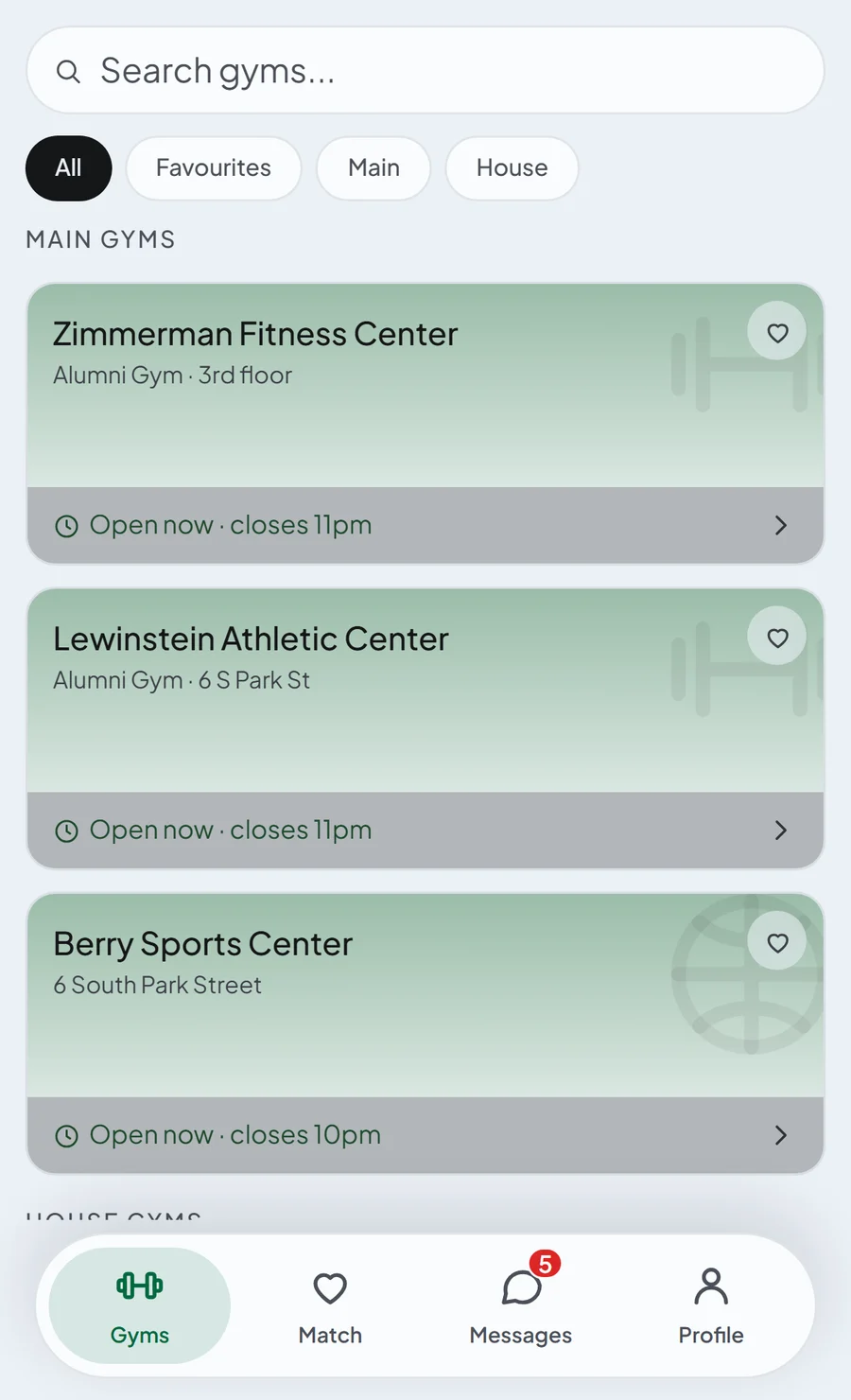
Customized for each campus, with its own gyms, houses and colours. Yours can be next.
Find training partners. Make friends.
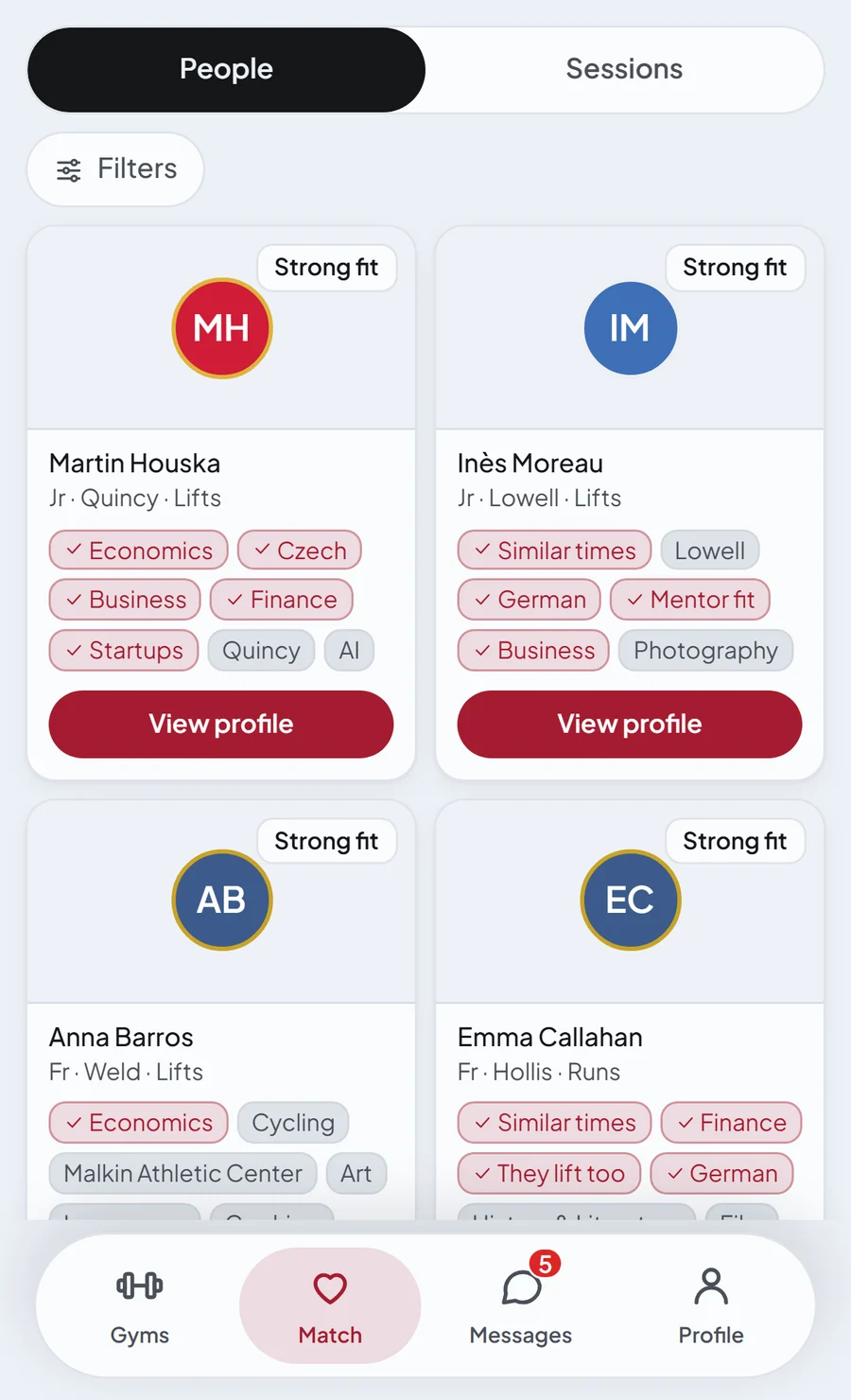
Browse sorts everyone by how well you fit with them, based on interests, concentration, experience and hours.
- BrowseEveryone sorted by how well you fit: interests, concentration, level and hours.
- Find by timePick when you want to train and see who goes then.
- Buddy BoardPost your session and see who wants to join.
- MentorsGet help from an experienced student or an upperclassman in your concentration.
Plan sessions easily in the chat.
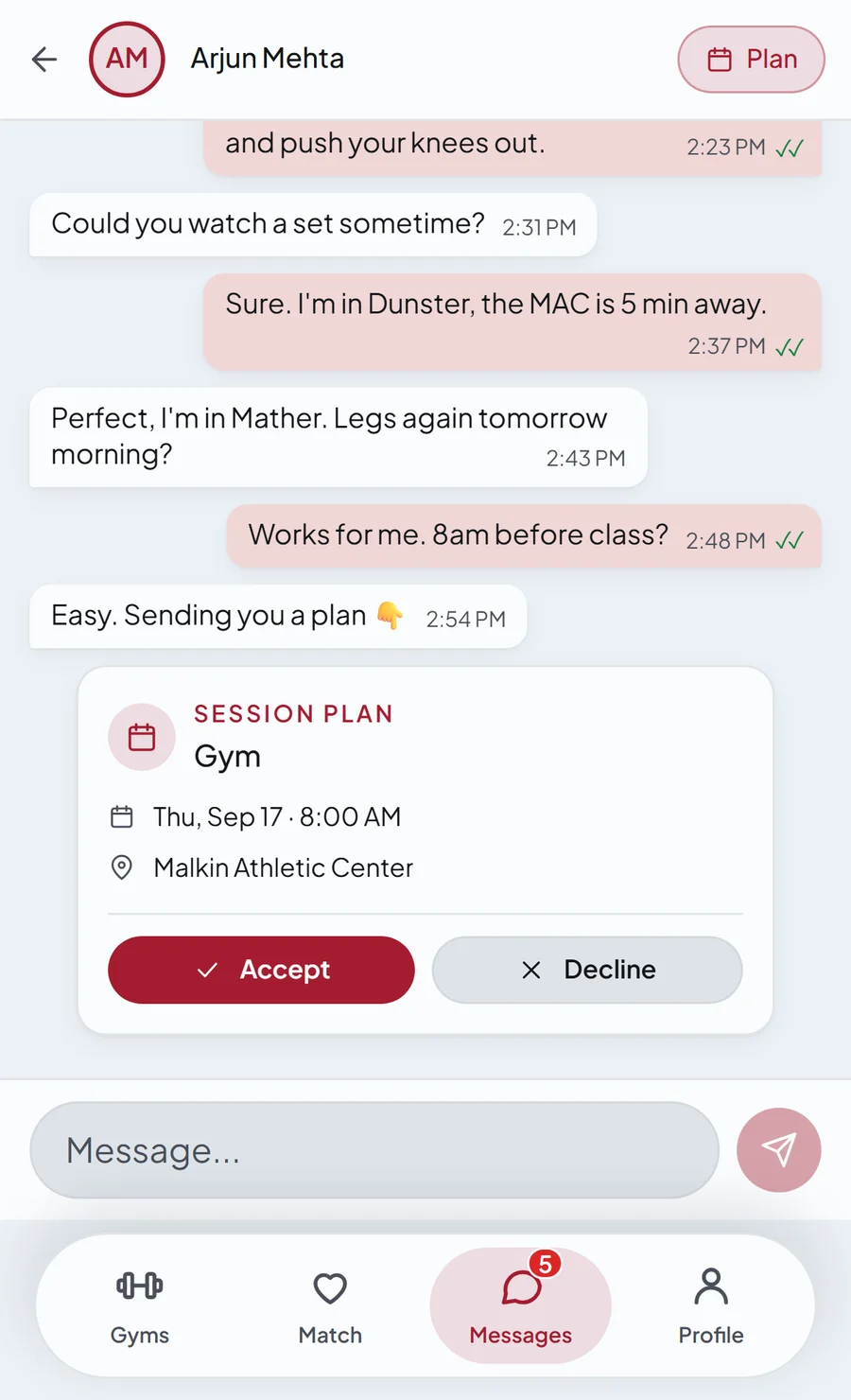
You send a card with the gym, the day and the time, and once the other one accepts it goes to both calendars.
- Plan cardSend the gym, the day and the time.
- Both calendarsOnce they accept, it goes into both of your calendars.
- Your calendarConnect it to Google or Apple Calendar.
Track your statistics. See how you do in the leaderboards.
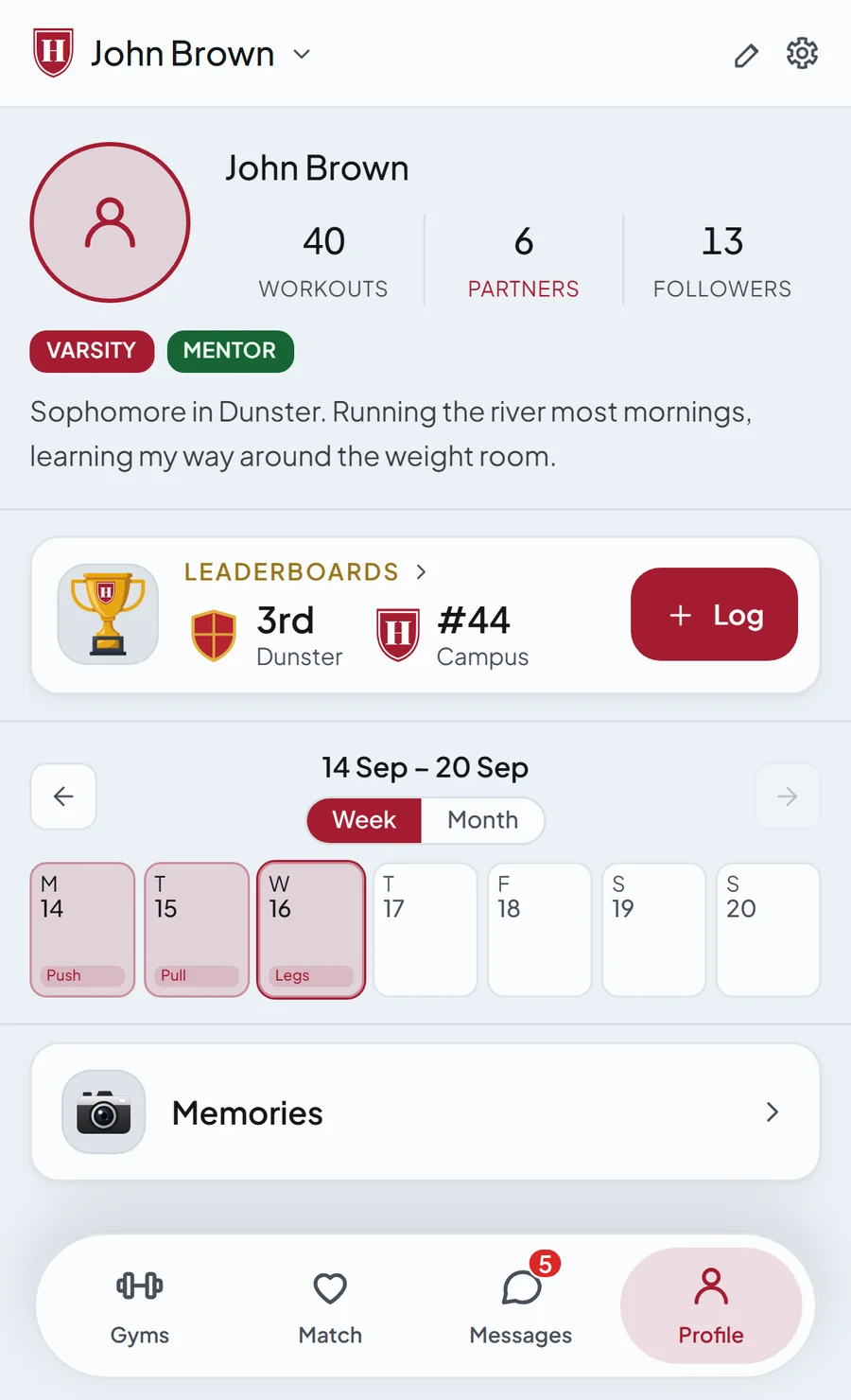
Your profile counts the sessions you logged and the partners you trained with.
- LeaderboardsSee how you, your house and your year rank on campus.
- CalendarEvery session you log marks its day.
- MemoriesPhotos from your sessions, saved to come back to.
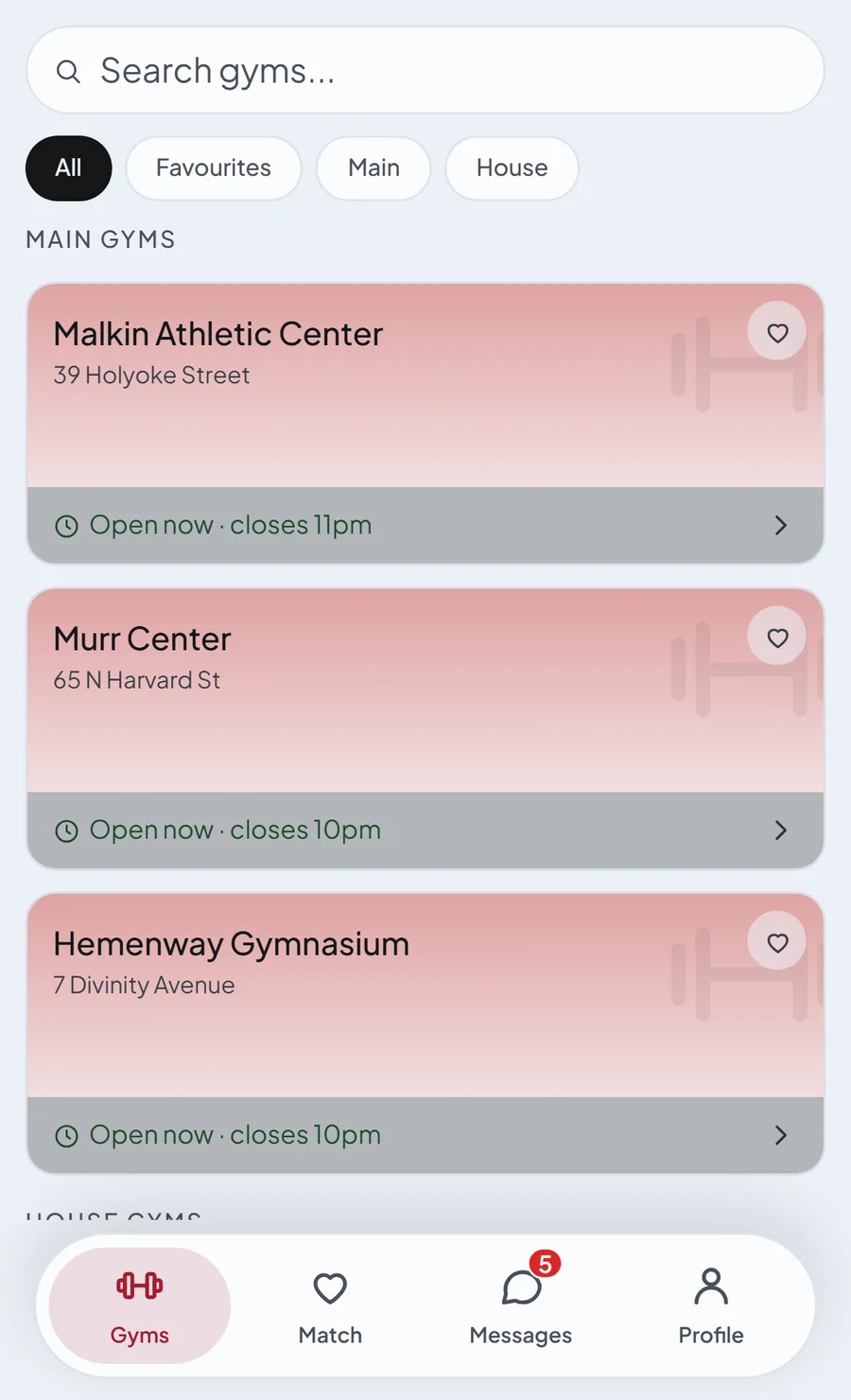
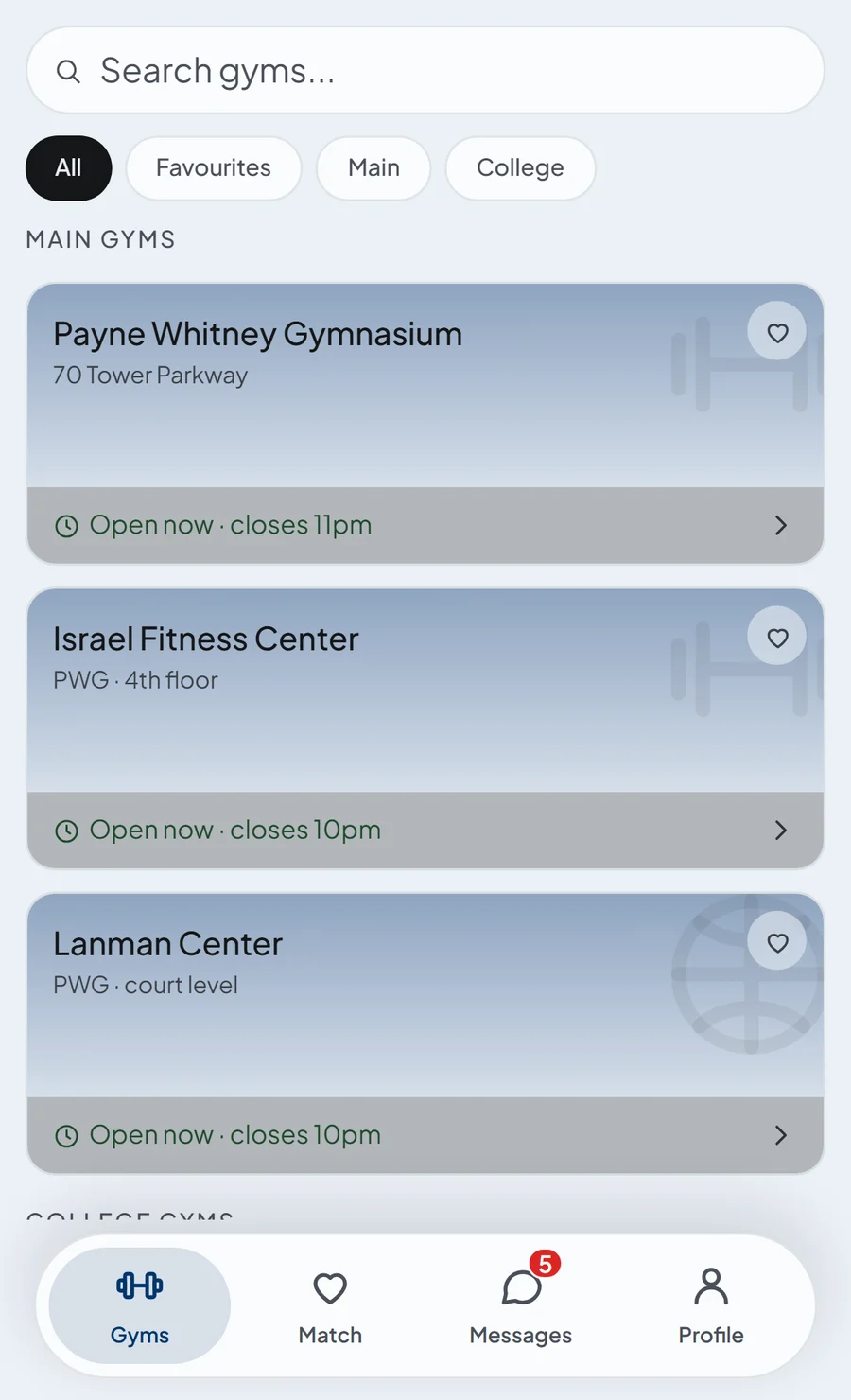
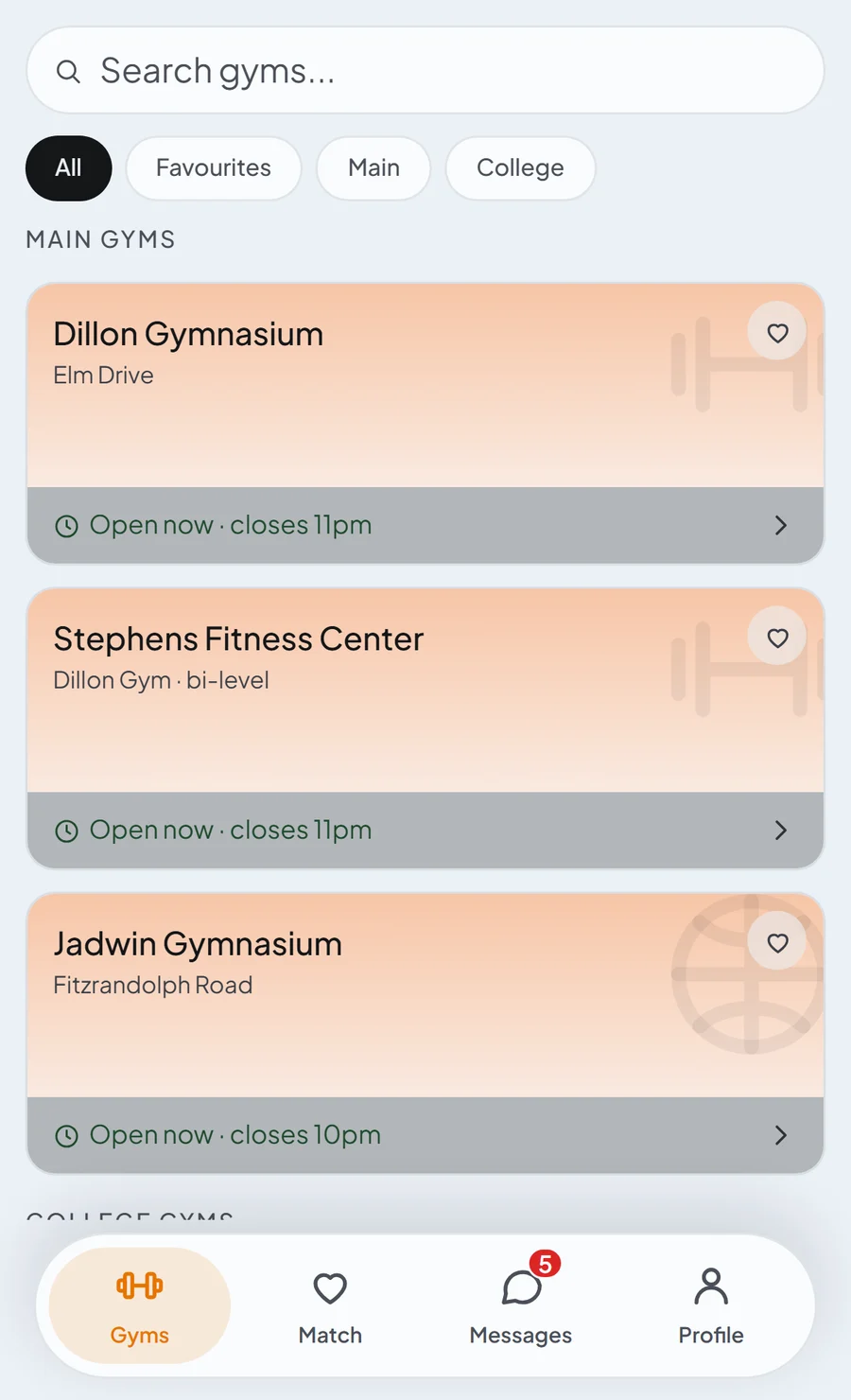
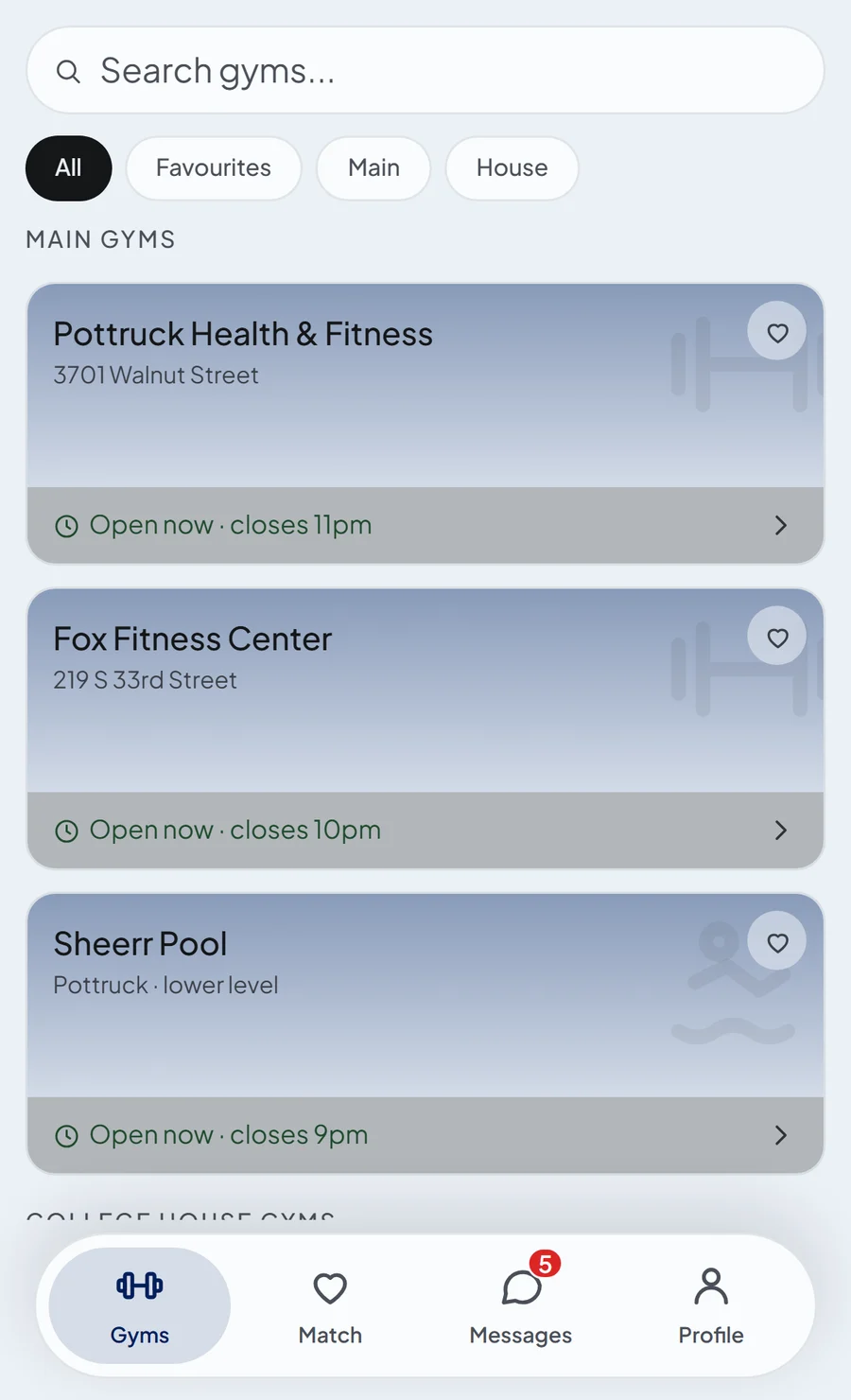
See every gym on your campus in one place.
See when each gym is open, where it is, and how students rate it.
- Opening hoursSee which gyms are open right now.
- RatingsKnow which gyms students rate best.
- LocationTap the address to get directions.
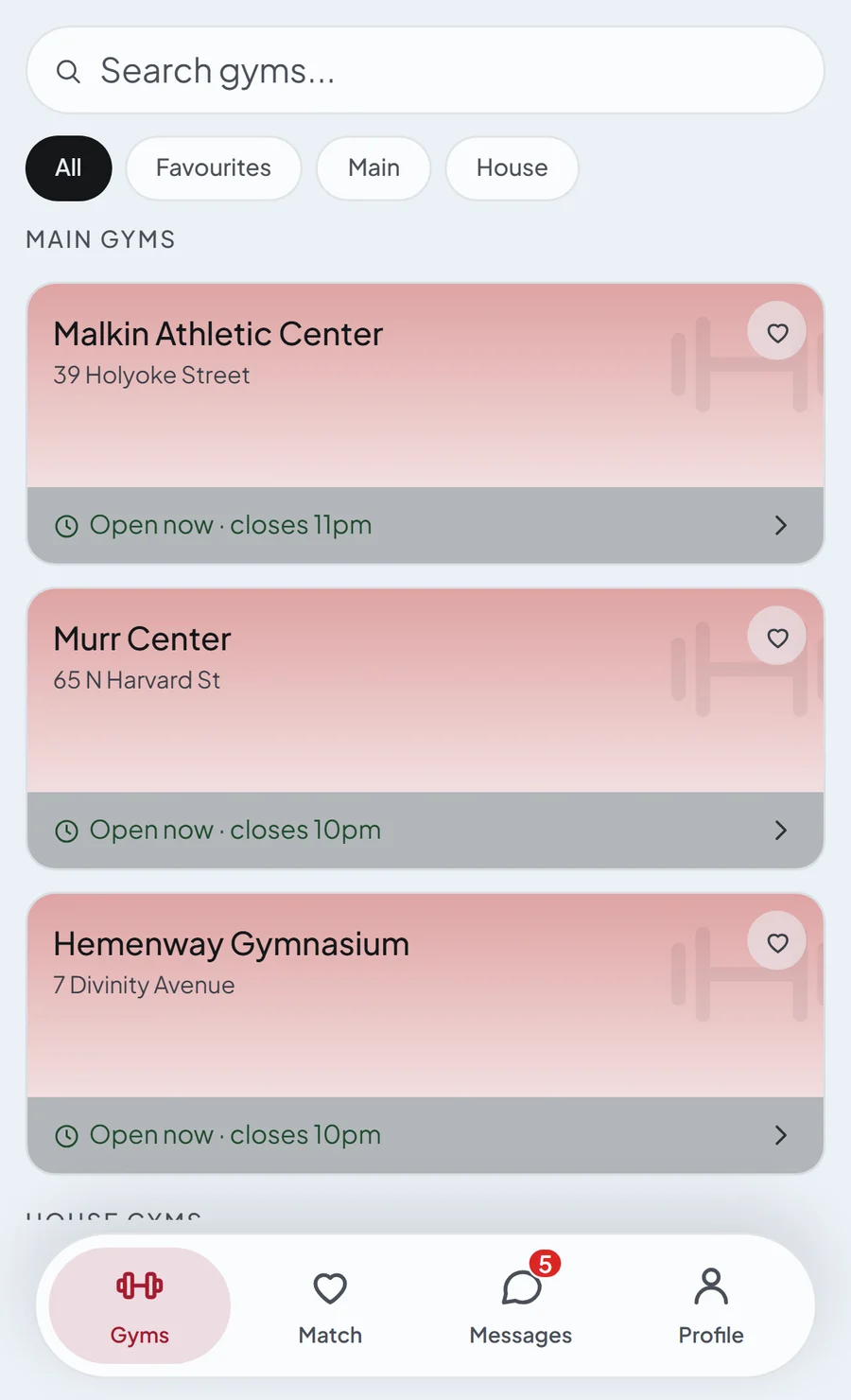
Overview of all gyms on campus.
See the opening hours, rating and location of every gym, including the house gyms. Or find a partner who trains directly at your gym.
Find your ideal training partner.
Get matched with people based on your interests, hobbies, concentrations, level, language, hometown or much more.
New to the gym or campus?
Start with someone beside you. Get paired with an experienced student who has offered to help in the gym, or with an upperclassman in your concentration who can show you the ropes.
Plan a session easily in the chat.
Simply tap the calendar button in the chat and set up a time. Once the other accepts it, it will go into both of your calendars.
Log the session without leaving the app.
Pick the exercises and record the sets, reps and weight. No separate app needed.
Build memories.
Take a picture with your training partner while you log the workout, and it goes straight to Memories that you can always come back to.
Leaderboards.
Your profile counts every session you logged and the people you met. Take part in your college leaderboards and see where you rank on campus, how your house or year is doing compared to others, and who has made the most friends.
Community channels.
Take part in community channels and get advice from your peers on nutrition, form, personal bests and more.
Feed.
In a new tab, share a session once you log it and see what people have been training. Give comments and interact with students from other universities.
Your campus, your colours.
The app is customized to your university, gyms and colours. Bring it to yours next.
Questions
Which universities is it for?
Harvard first. New campuses come on one at a time, each with its own colours, gyms and houses, so the app you sign up to is already yours.
Who can join?
Students at a live university sign up with their university email. Varsity athletes join through the link their captain or coach sends; coaches get the console with their team.
Is it free?
Yes, for students. Varsity Mode opens from your team's invite; for the Coach's Console, write to me.
What is Varsity Mode?
A gated part of the same app for varsity teams: the coach's training plan, boat lineups, the race countdown and the coach's notes on the athlete's phone, plus logging straight off the plan. It opens from a team invite.
What does the app know about me?
Your profile holds your concentration, hometown, languages, interests and a bio, and the app stores the sessions you log. Matches are explained from those facts. The privacy policy has the full list.
Is it official?
No. UNIsport is an independent app, officially unaffiliated with Harvard University.
This is one part of the page. See the whole page →