If you do sport for the university itself,
Varsity Mode.
An extra mode for varsity athletes, designed specifically for each college sport.
Got a link from your team?
Join with your invite →Training plan always at hand.
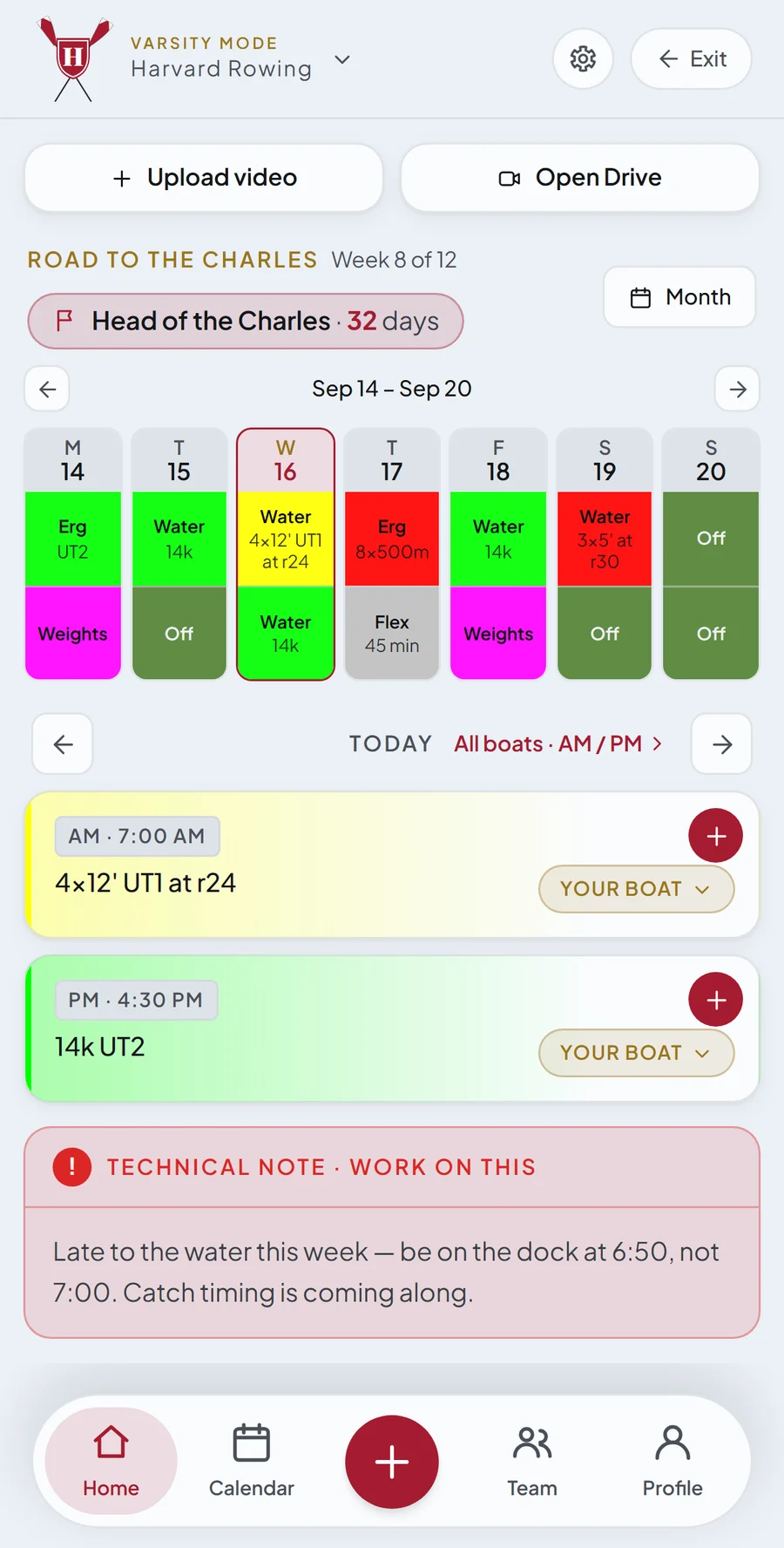
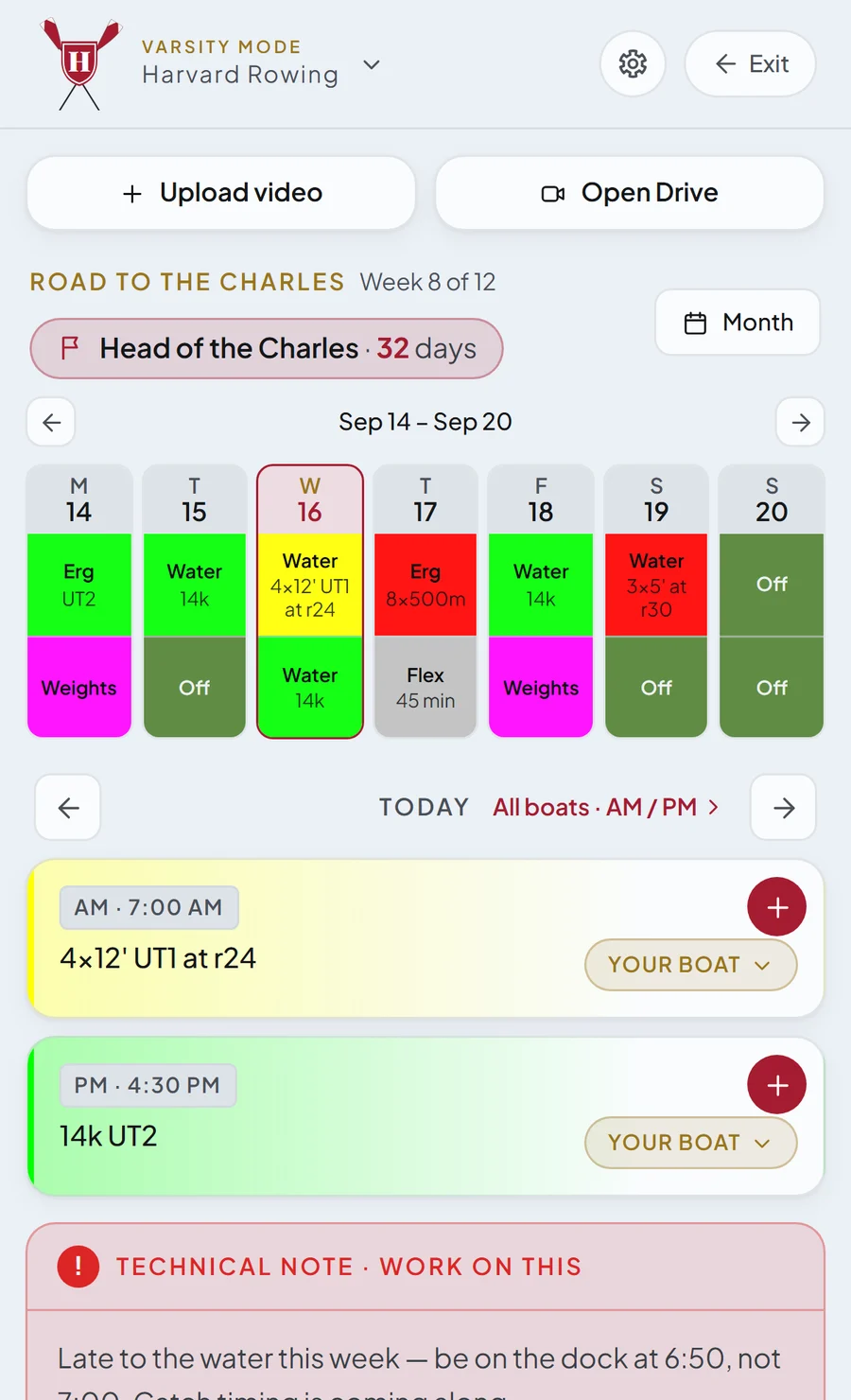
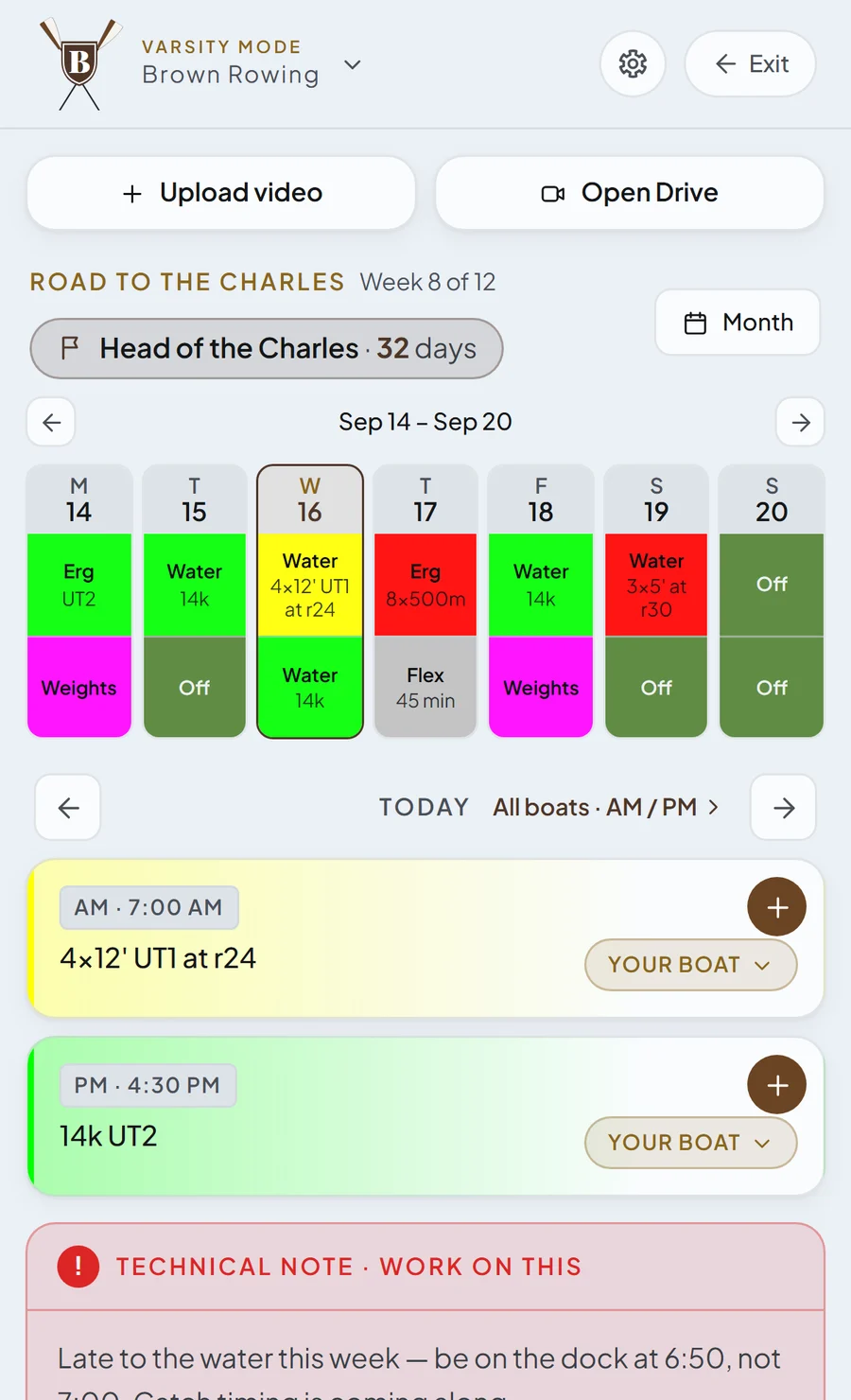
Your training plan that updates in real time. Tap any day to see the full workout description.
- Training calendarToday's sessions, updated in real time. Tap a day for the full workout.
- LineupsNo more Excel sheet. Your name pops right in your boat.
- Coach's notesWhat to improve, straight from your coach.
- Race countdownAlways see how long until the next race.
- Video storageYour crew videos, saved to Google Drive.
Log a session in a few taps.
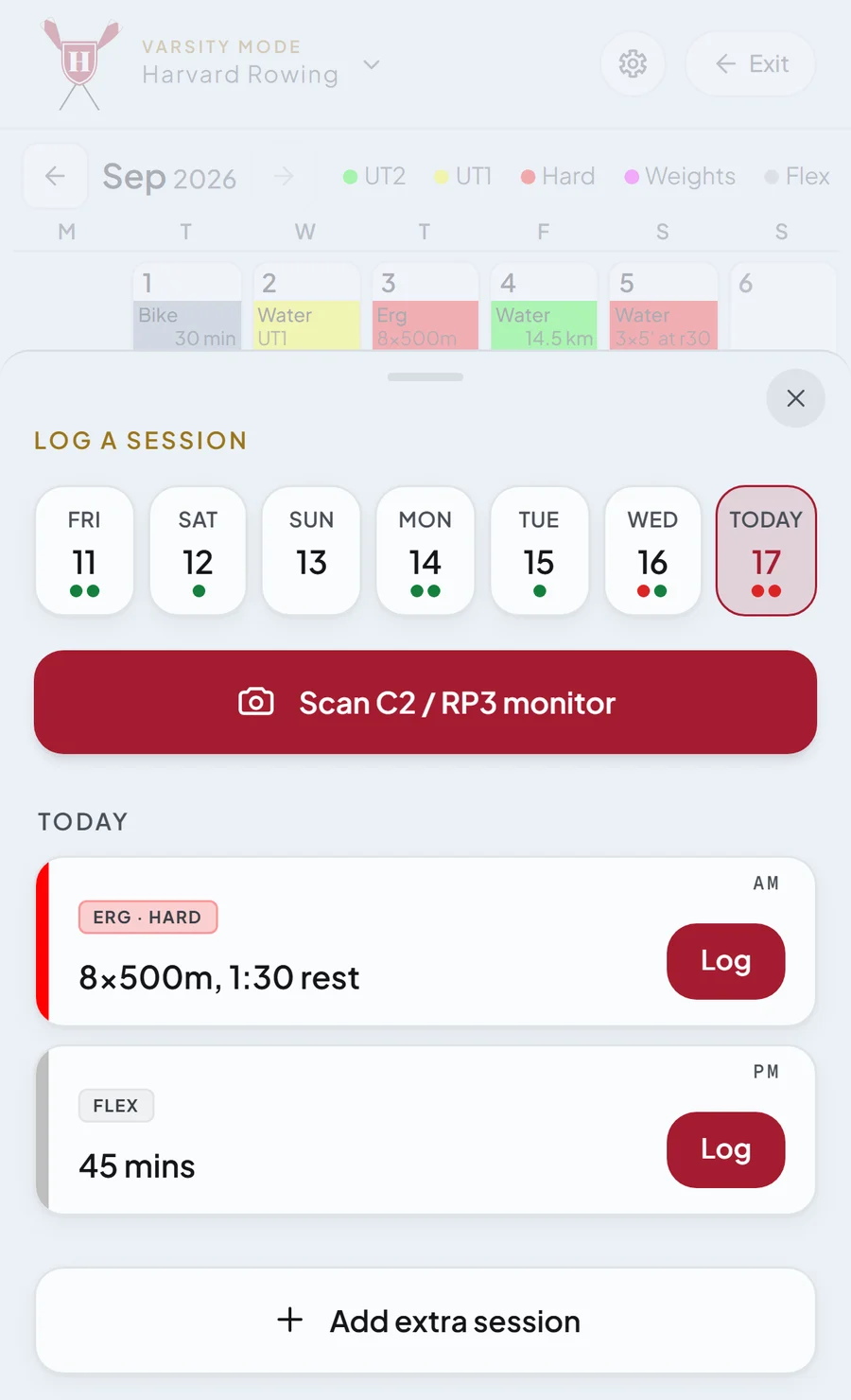
Log your workout straight from your training plan. Take a picture of your erg screen to extract your numbers instantly, or add extra workouts.
- From the planLog straight from your training plan.
- Scan the monitorSnap your C2 or RP3 screen and get the numbers instantly.
- Extra sessionsAdd the workouts you did on your own.
Look at statistics for every team workout.
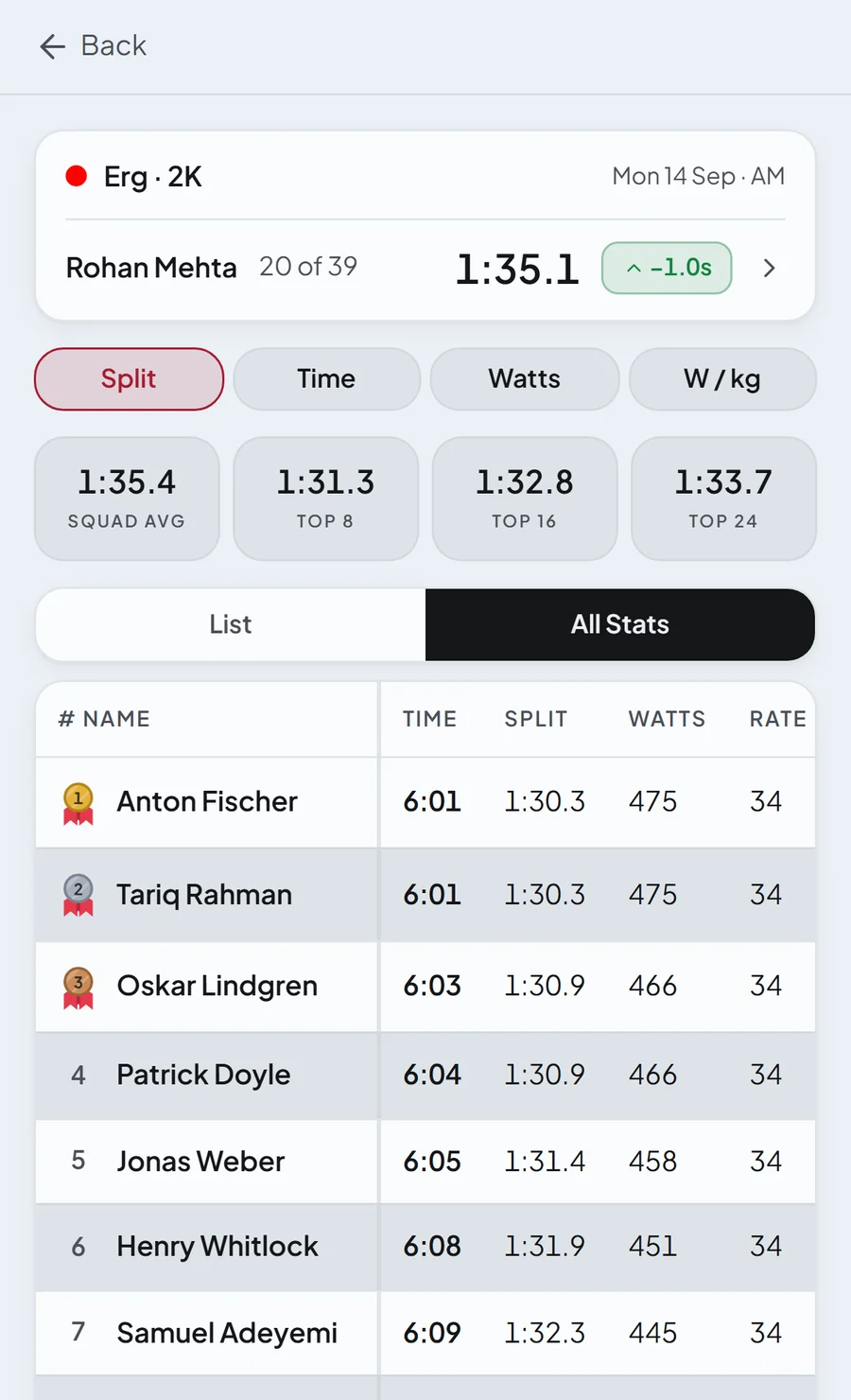
Compare to previous workouts and see how you improved from last time, and where you stand in the rankings, with filters for split, time, watts and watts per kilo.
- Team rankingsSee where you stand on every workout.
- Smart filtersSort by split, time, watts or watts per kilo.
- Your progressCompare to last time and see how you improved.
See your statistics.
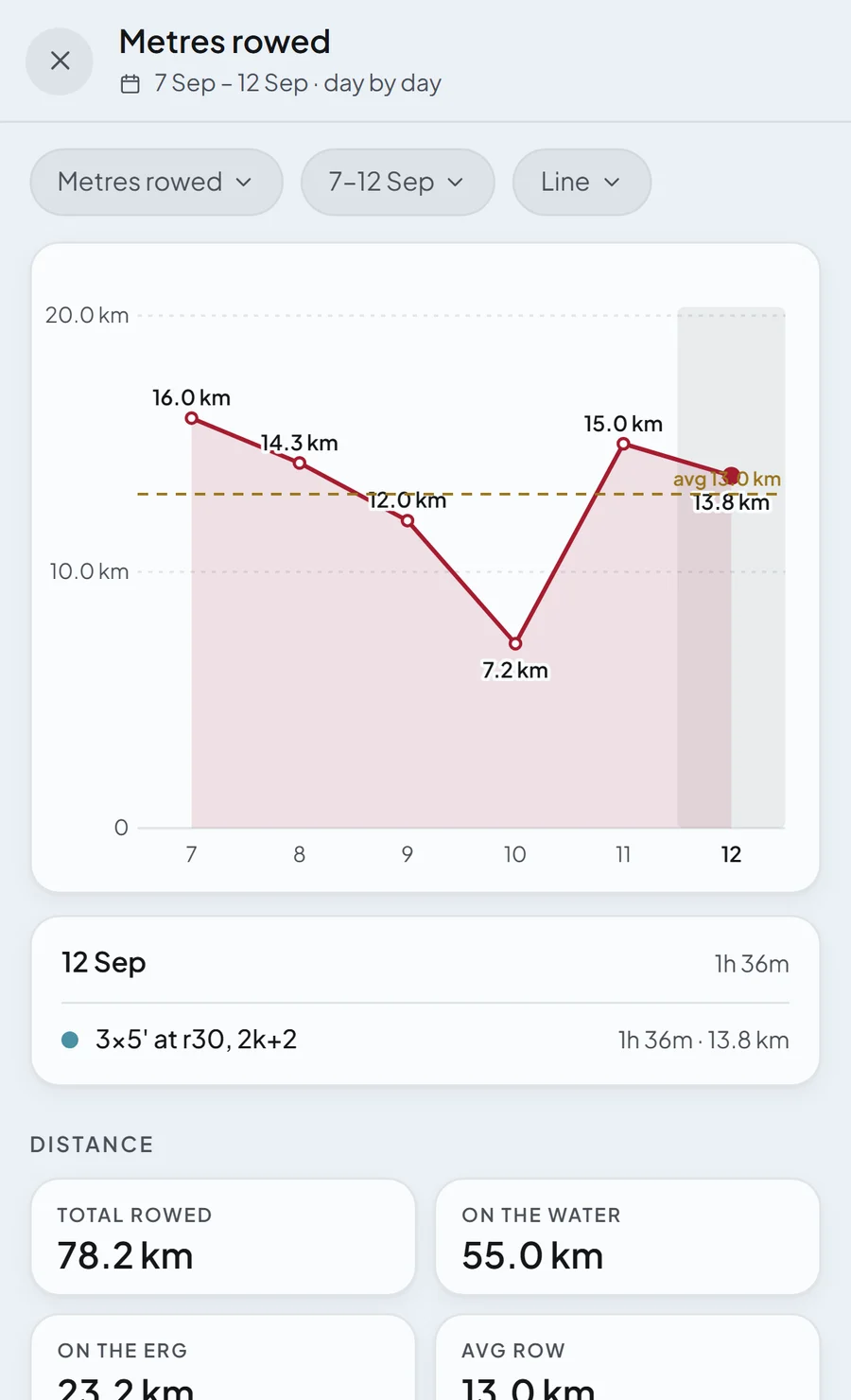
One screen counts your metres rowed, your hours and your consistency over eight weeks, with a graph for each.
- DistanceEvery metre you rowed.
- TimeThe hours you trained.
- ConsistencyHow closely you followed the plan.
Training plan.
View what training plan your coach posted in the week tab. Expand to see the whole month or tap any day to see the full description and lineups.
Lineups.
Your coach sets the lineups and publishes them. Your name is highlighted in the boat you are sitting in, so you will never have to search for it again.
Countdown to the next race, and your coach's note.
Keep your focus up: your next race and your coach's note on what to fix are always in front of you.
Video storage.
Your videos save to your drive, and each one names itself from the name of the boat in the lineups, so you don't need to search for videos again.
Log workouts straight from the plan.
Tap a workout from the plan to log it instantly. Take a photo of your C2 or RP3 to instantly extract the numbers, or add extra sessions.
Calendar.
Every workout you log goes straight to the calendar. Tap any day to look at your workouts or see the statistics for your week/month alongside your consistency.
Statistics and leaderboards.
Every workout you did is saved in the workouts tab. Tap to see how much you have improved from last time and where you rank compared to others, with filters for split time, watts and watts per kilo.
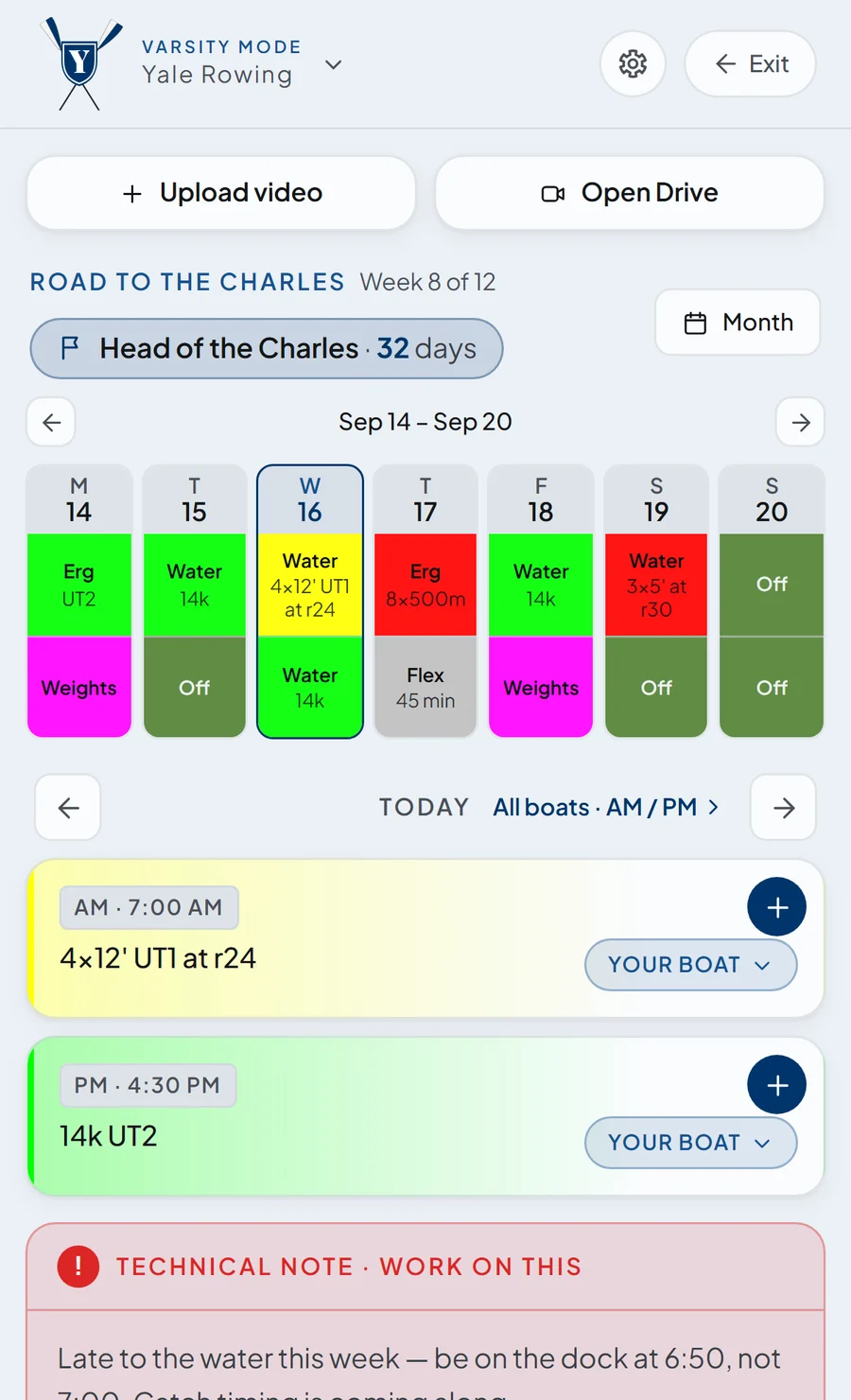
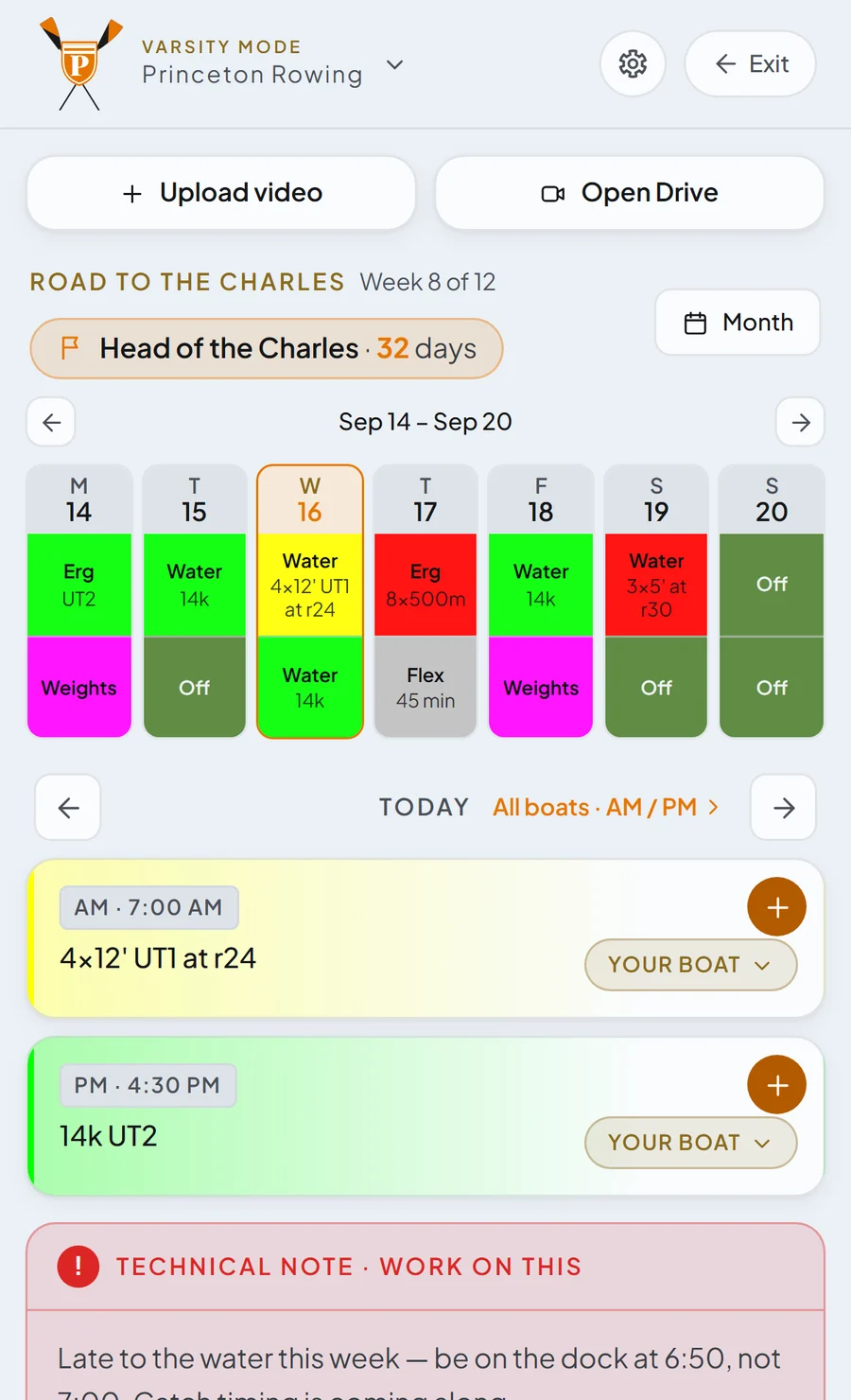
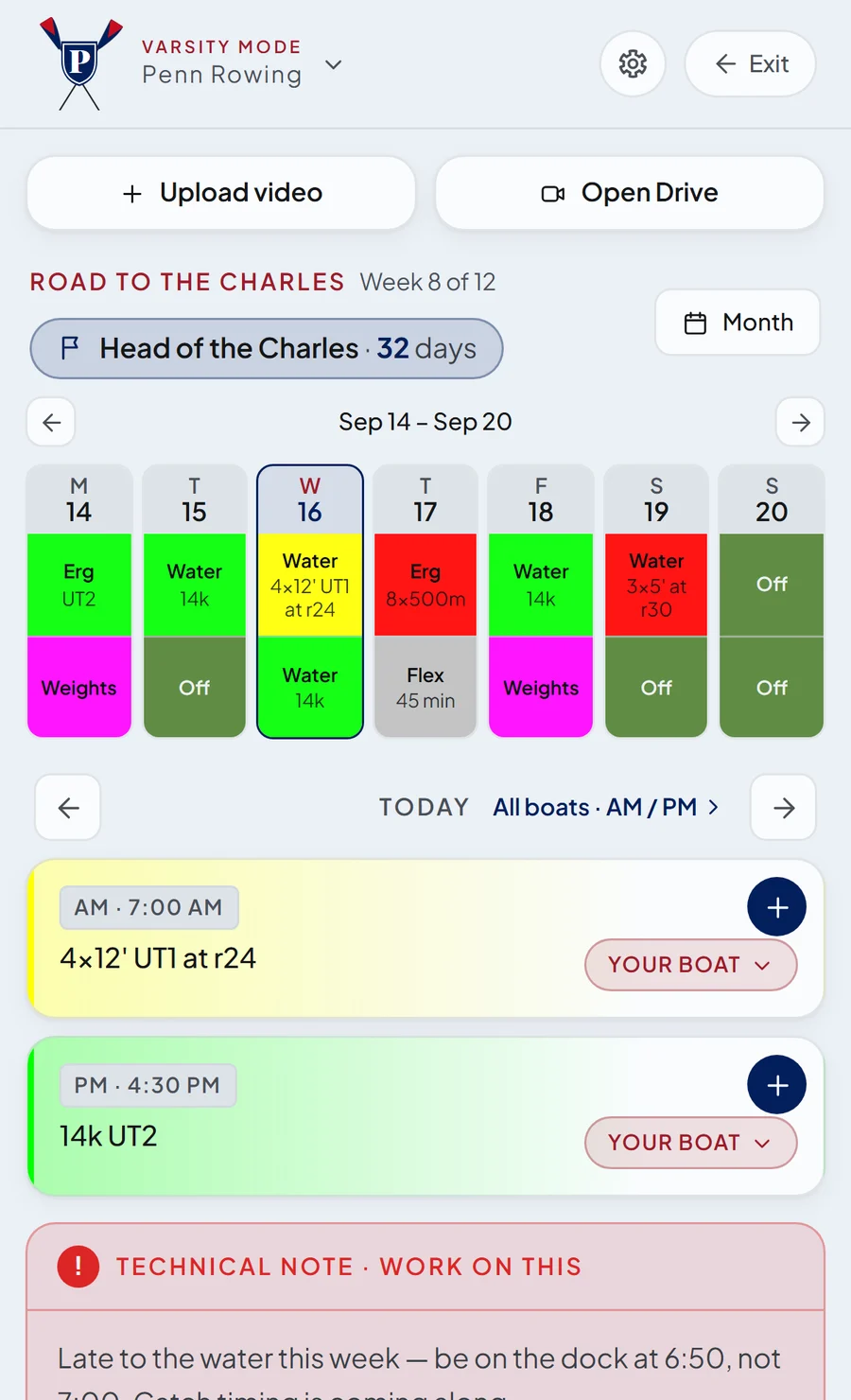
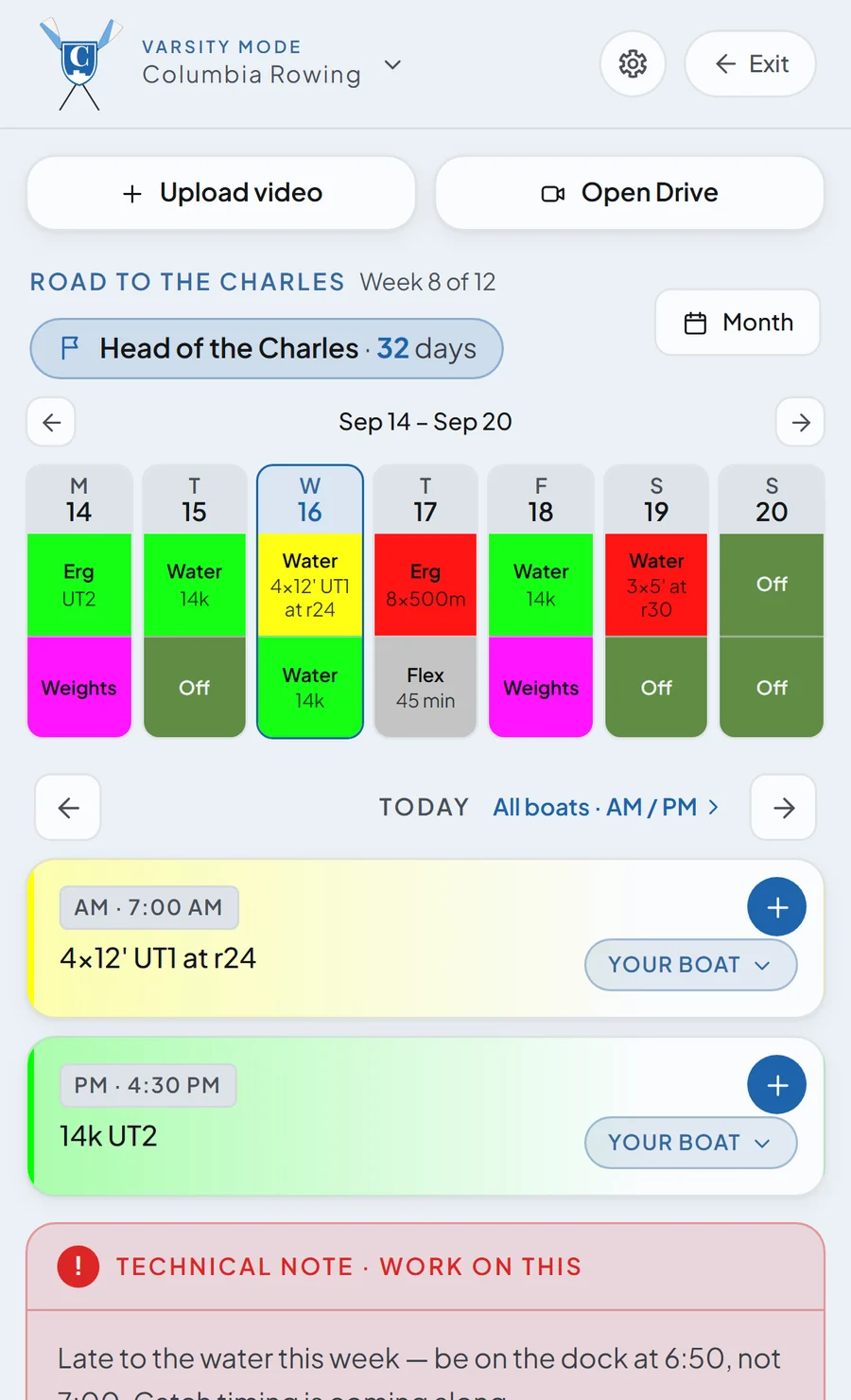
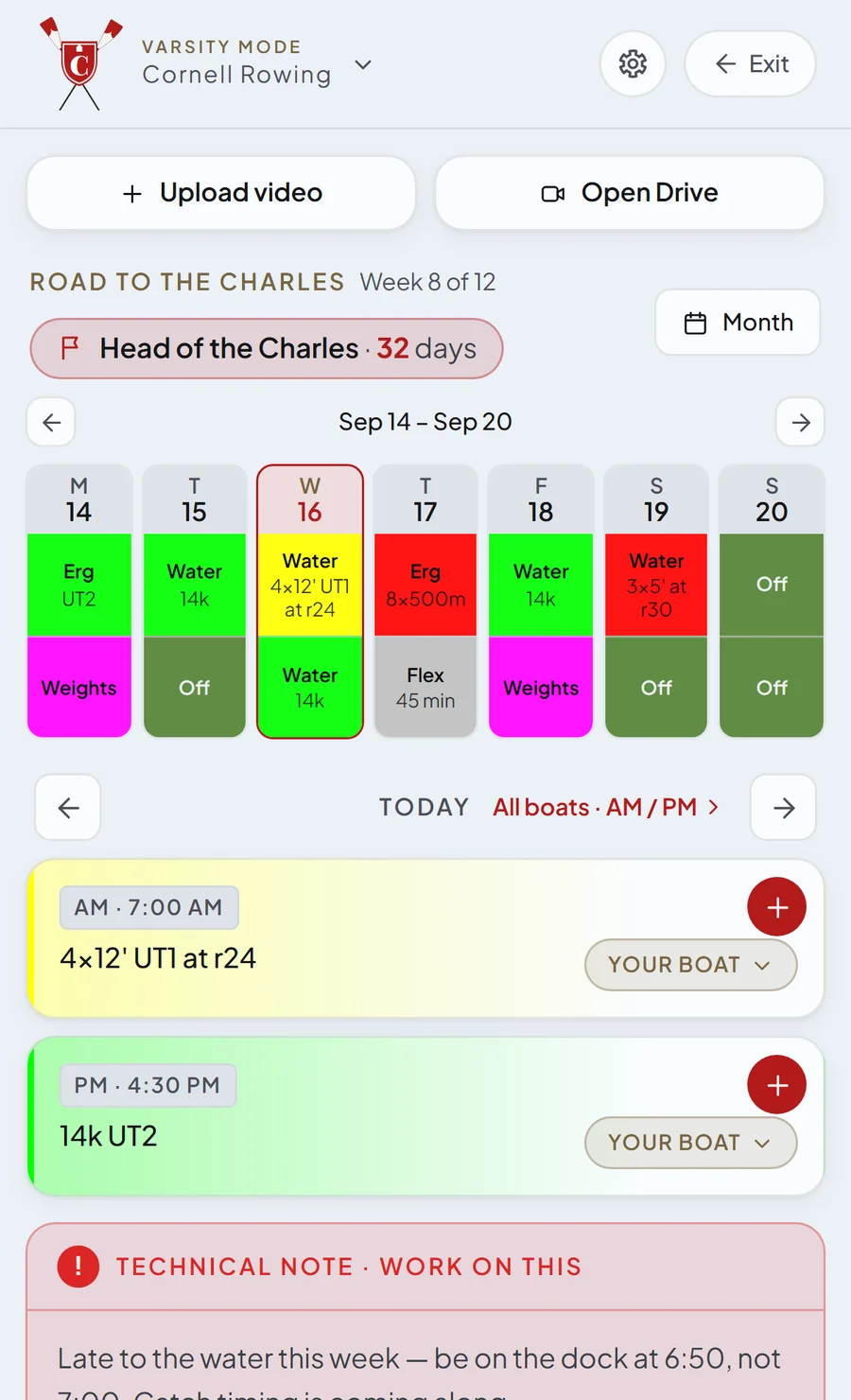
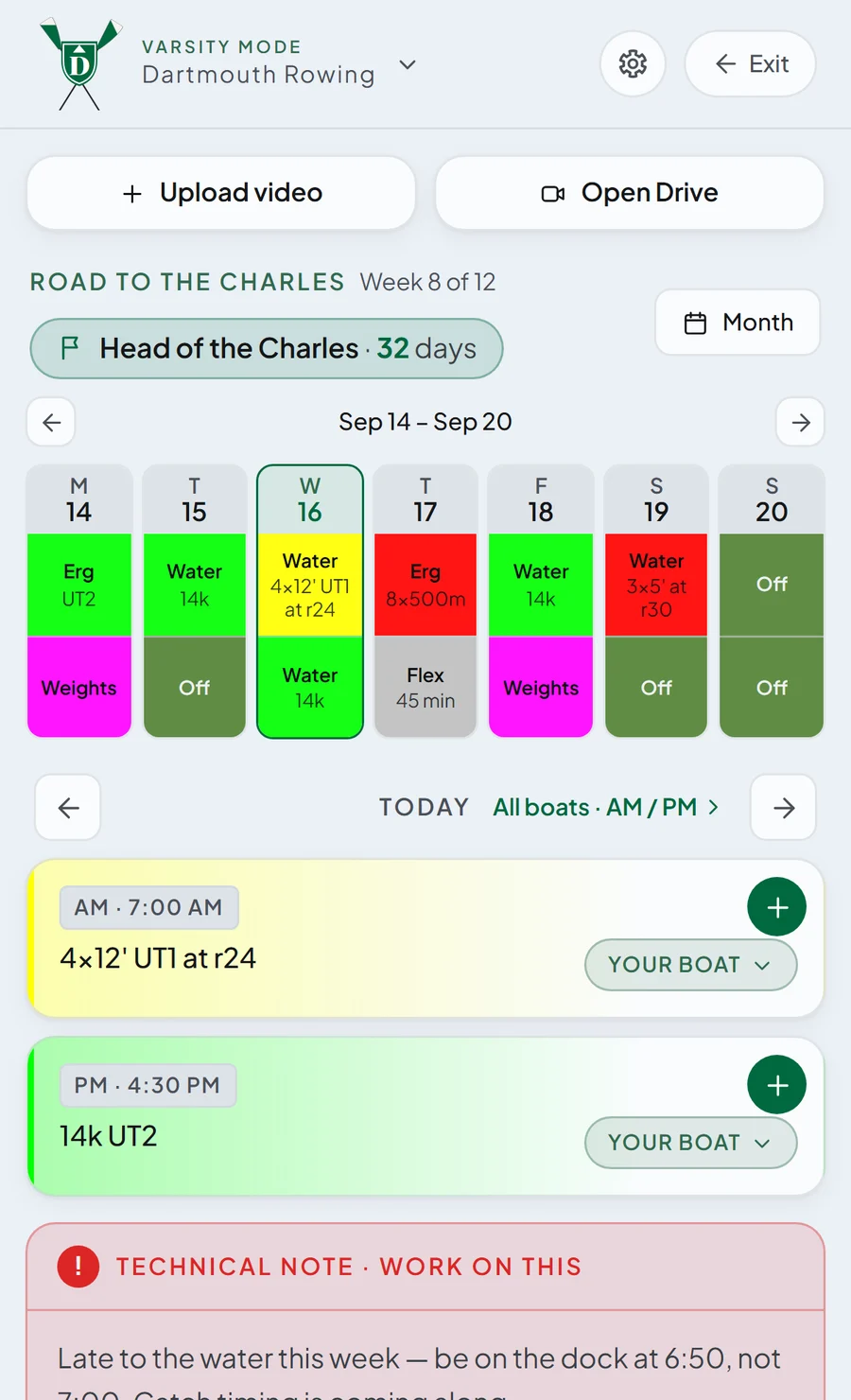
Your crew, your blade, your colours.
Every program gets their screen customized to their own colours.
Questions
Which universities is it for?
Harvard first. New campuses come on one at a time, each with its own colours, gyms and houses, so the app you sign up to is already yours.
Who can join?
Students at a live university sign up with their university email. Varsity athletes join through the link their captain or coach sends; coaches get the console with their team.
Is it free?
Yes, for students. Varsity Mode opens from your team's invite; for the Coach's Console, write to me.
What is Varsity Mode?
A gated part of the same app for varsity teams: the coach's training plan, boat lineups, the race countdown and the coach's notes on the athlete's phone, plus logging straight off the plan. It opens from a team invite.
What does a coach get?
The Coach's Console: build a training block around a race, publish the week's sessions once to every athlete, publish lineups seat by seat, and leave one technical note per athlete.
What does the app know about me?
Your profile holds your concentration, hometown, languages, interests and a bio, and the app stores the sessions you log. Matches are explained from those facts. The privacy policy has the full list.
Is it official?
No. UNIsport is an independent app, officially unaffiliated with Harvard University.
This is one part of the page. See the whole page →